Track Apps Usage
See exactly how your team spends time across applications with automatic tracking and detailed daily timelines.
Jump to sections
application usage
Visual Timelines for
Every Application Used

Daily Application Timeline
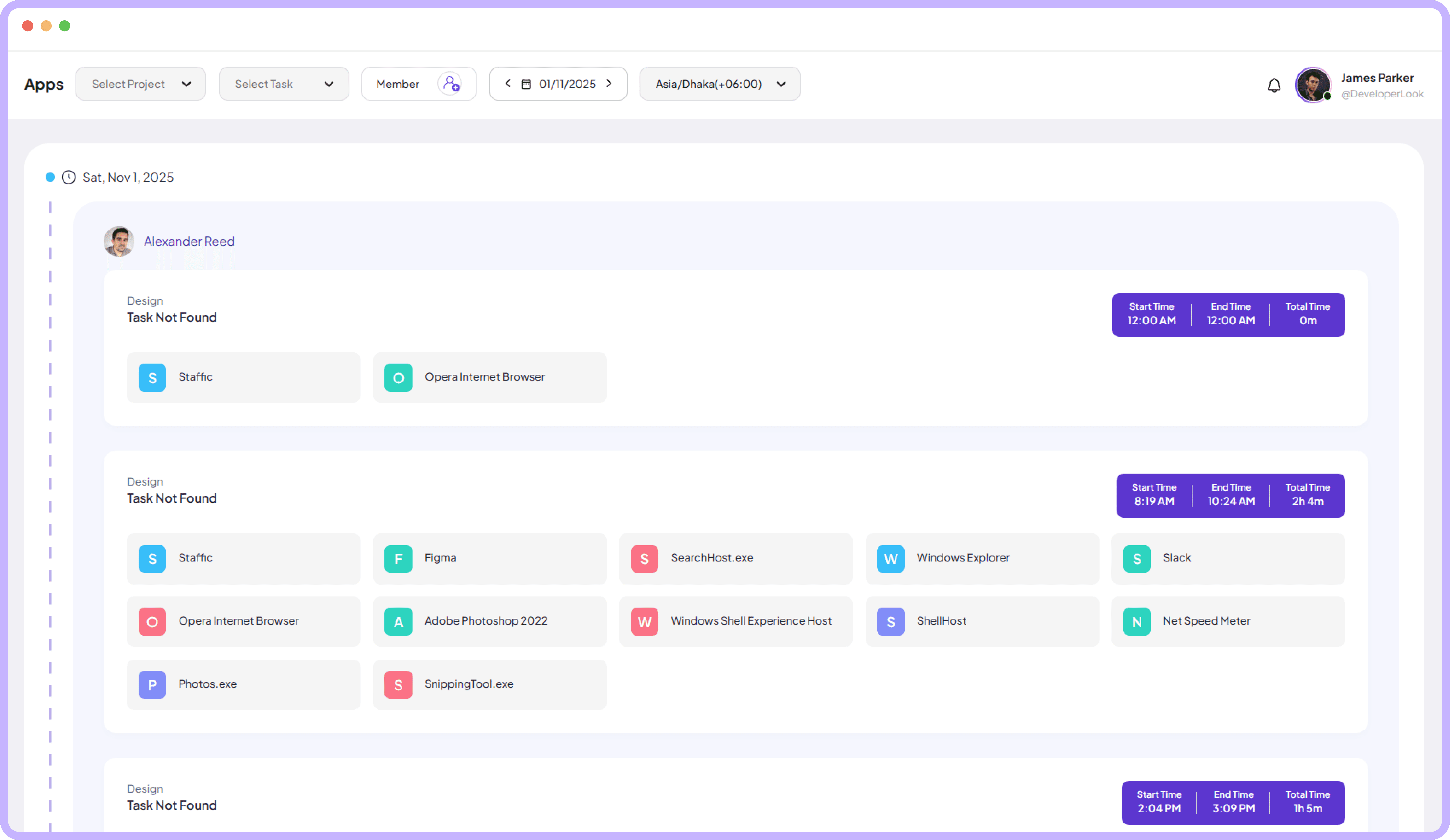
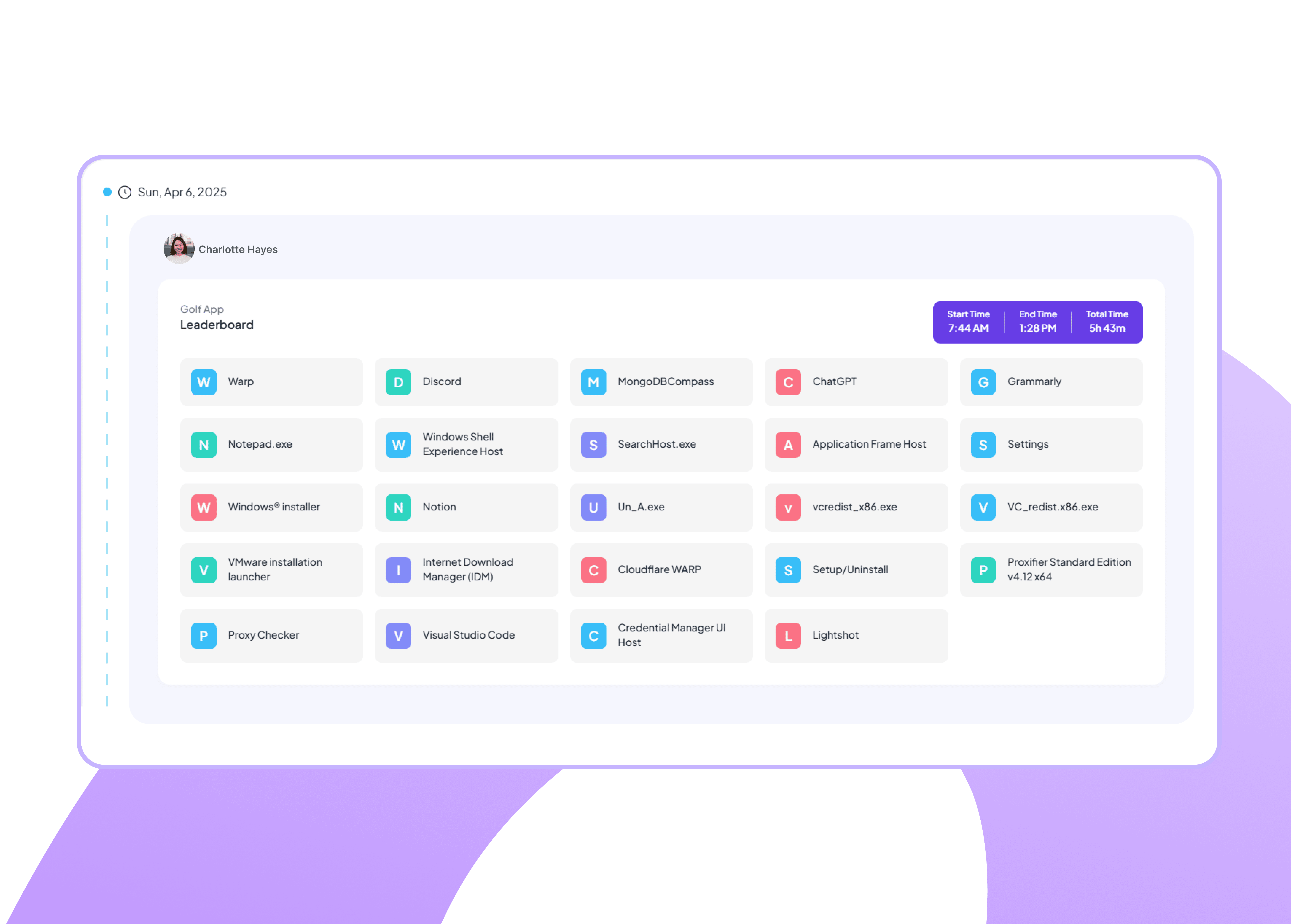
Quickly view start time, end time, and total hours worked with prominent time badges for each day's activity summary.
Clear start and end time display per day.
Calculate total hours worked automatically.
Purple badges highlight key time metrics.
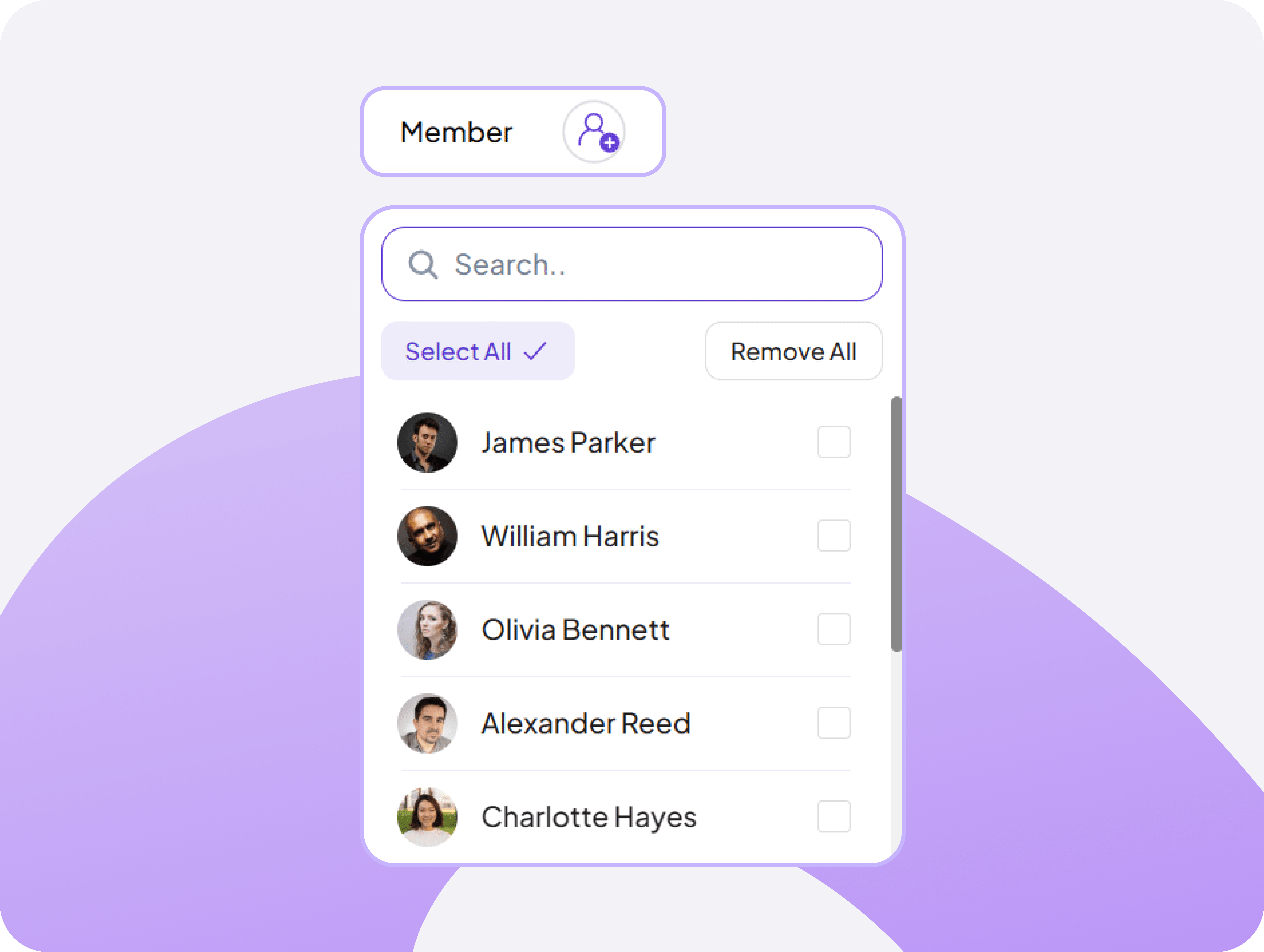
Flexible Member-Focused Filtering Tool
Select any team member to view their App Usage for clearer individual performance insights.
See what each person actually does online
Help distracted team members refocus gently
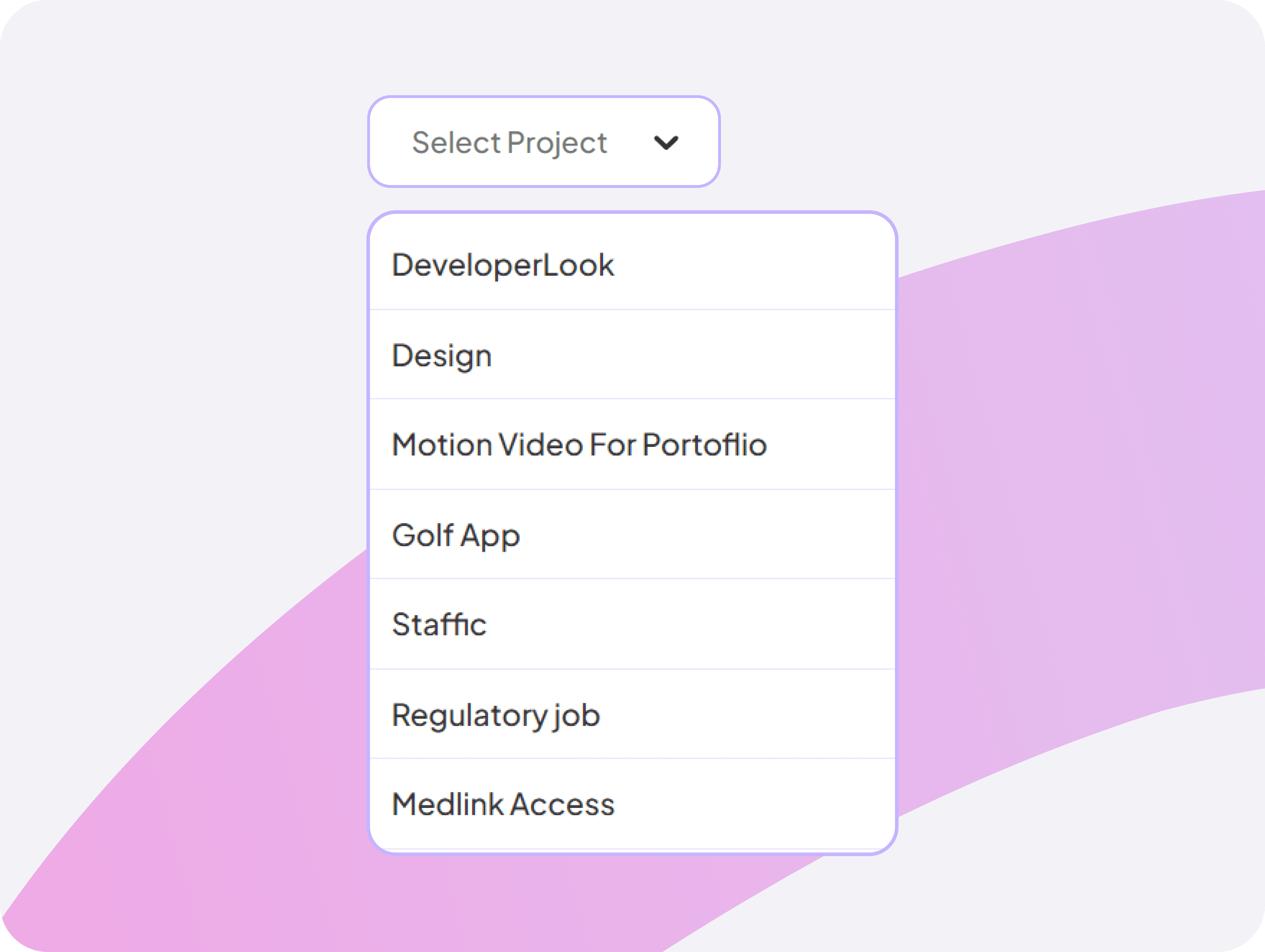
Smart Project-Based Filtering System
Choose a specific project to instantly filter App Usage, making analysis faster and more relevant.
Discover the winning tools for each project type
Share best practices based on real usage data
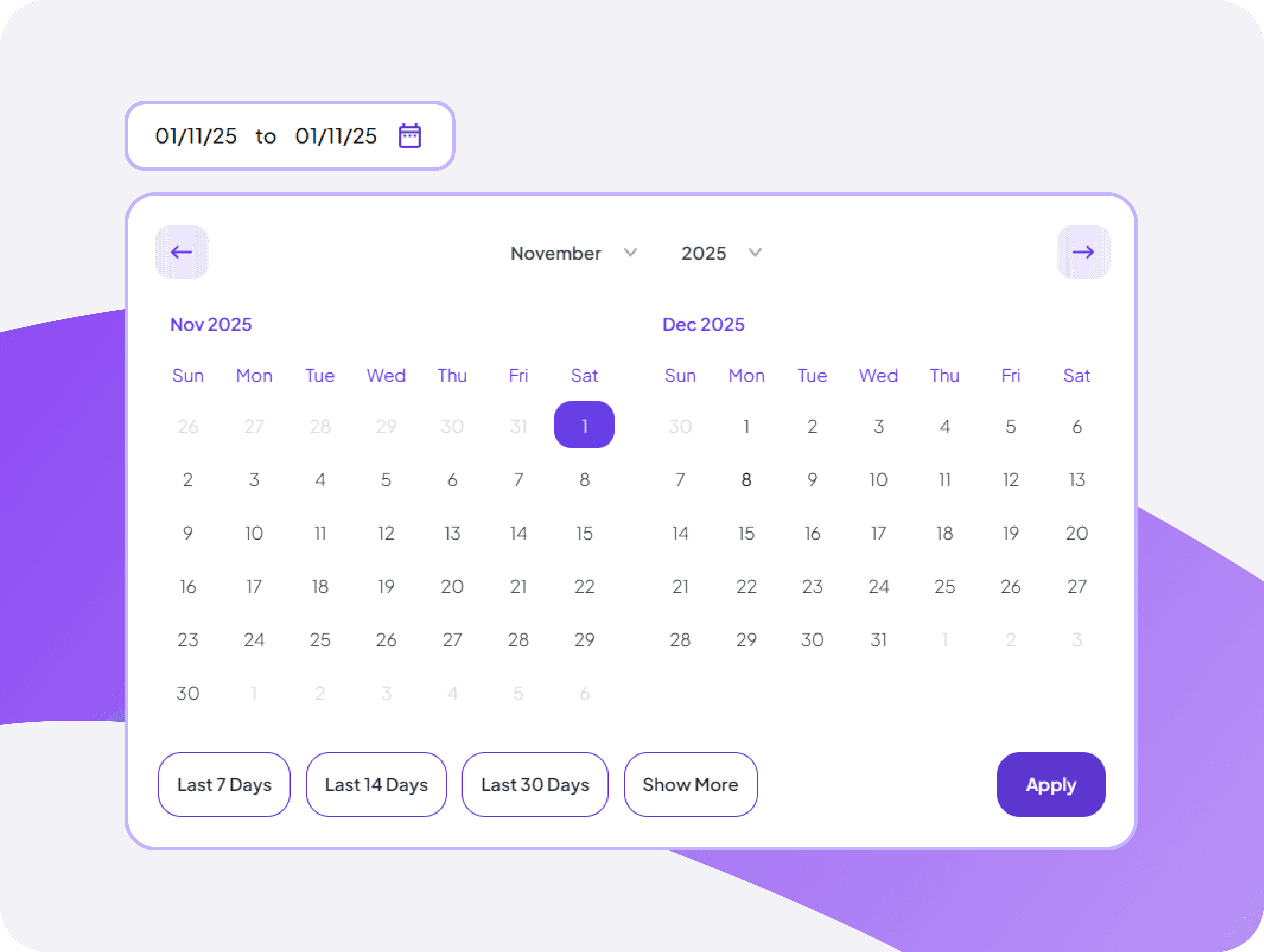
Monthly Calendar Time View
Quickly navigate through days, weeks, and months to find App Usage for any selected date range.
Compare app usage across different periods
Identify seasonal productivity pattern changes
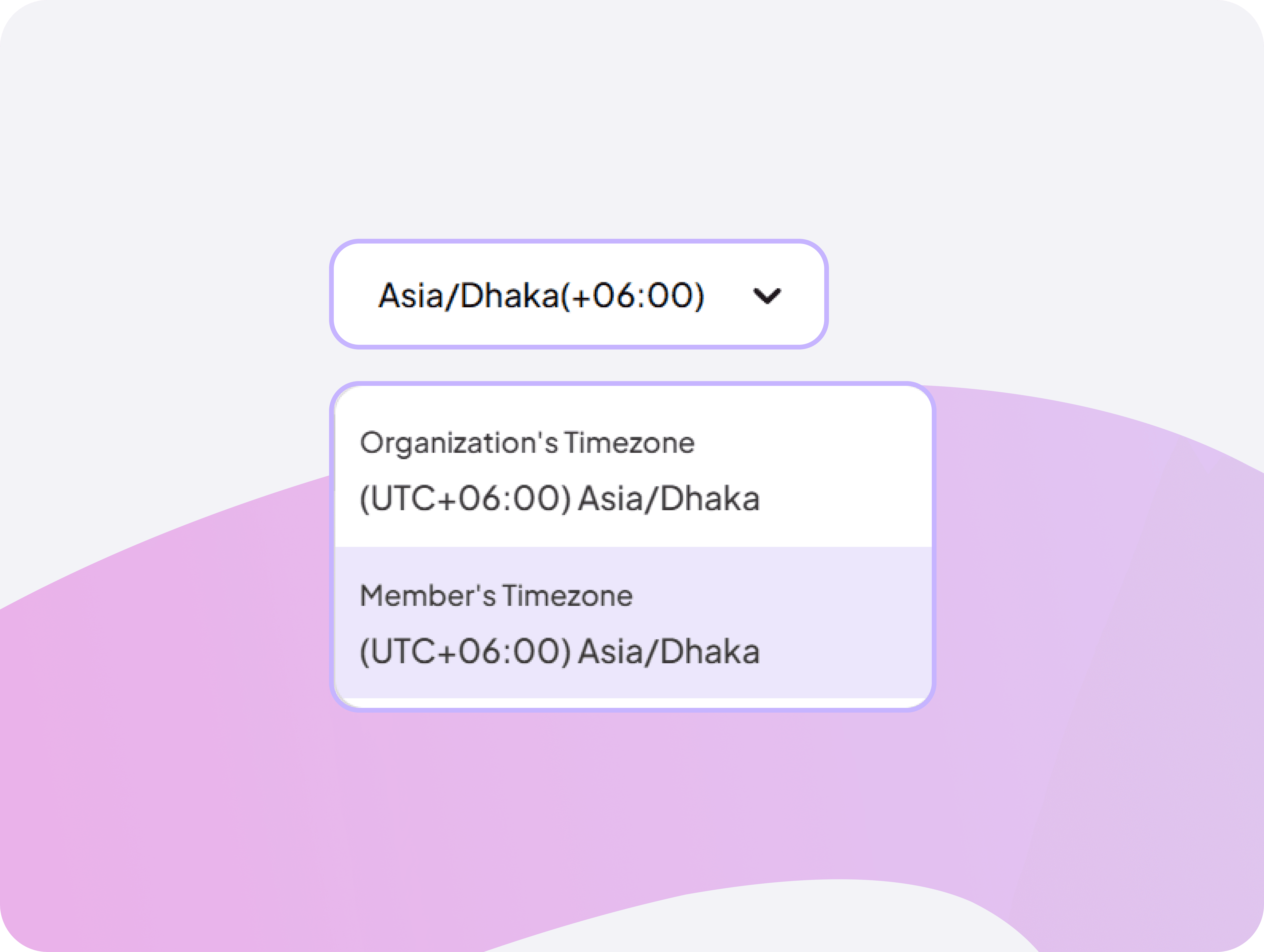
Manage global team timezones
Set organization and individual member timezones to ensure activity timestamps are accurate across global teams working in different locations.
Track remote teams across multiple timezones.
Coordinate schedules with correct time display.


FAQ
Frequently Asked Questions
Find answers to the questions we get asked the most about Apps tracking.