Easy Invoice
Management
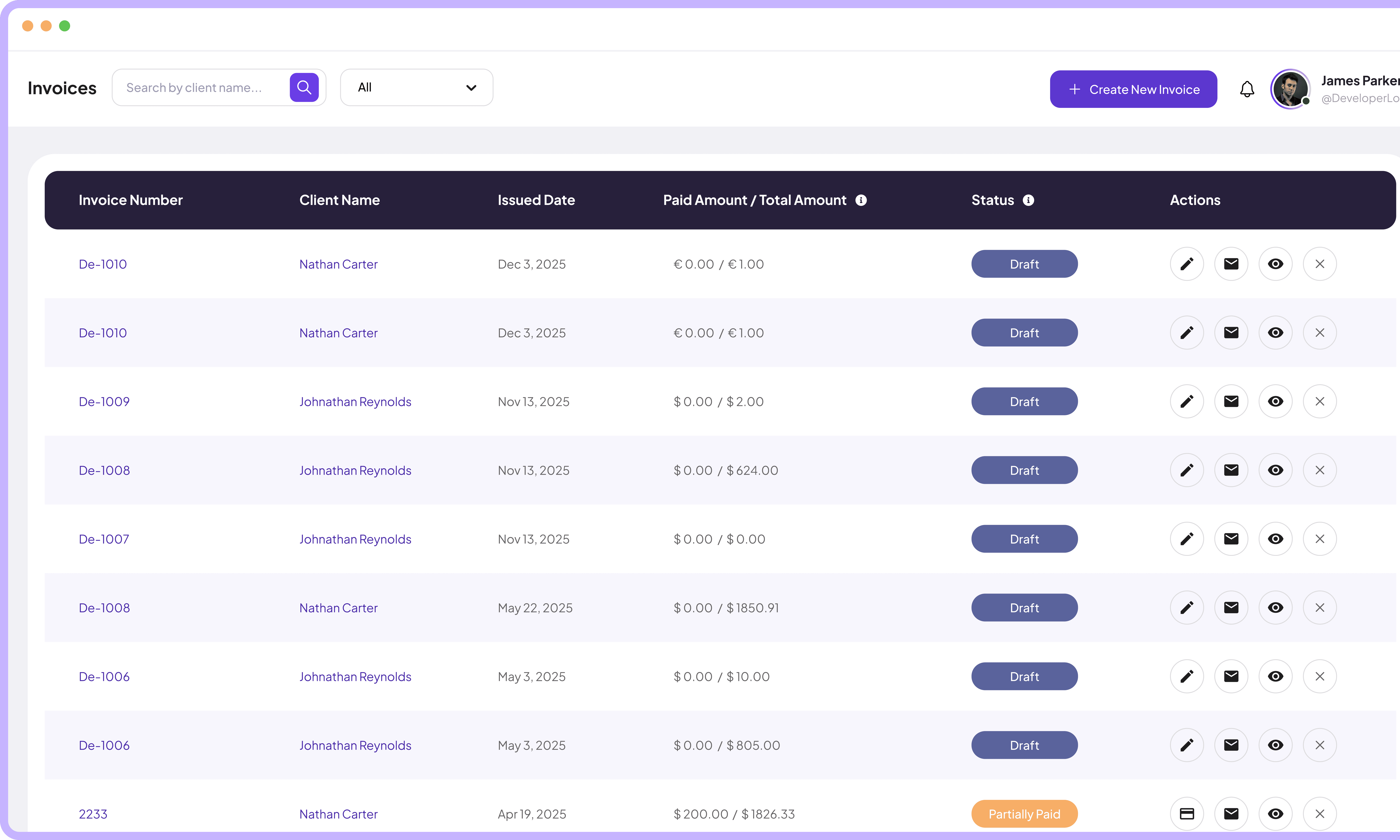
Create professional invoices, track payments, manage clients, and analyze billing trends all from one powerful platform.
Jump to sections
Invoices Management
Time‑Saving Invoicing
Software For Teams


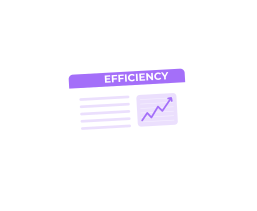
Create Professional Invoices with Full Control
Generate new invoices with invoice numbers, billing parties, due dates, client selection, and itemized services.
Select clients from existing database quickly
Choose payment terms and currency preferences
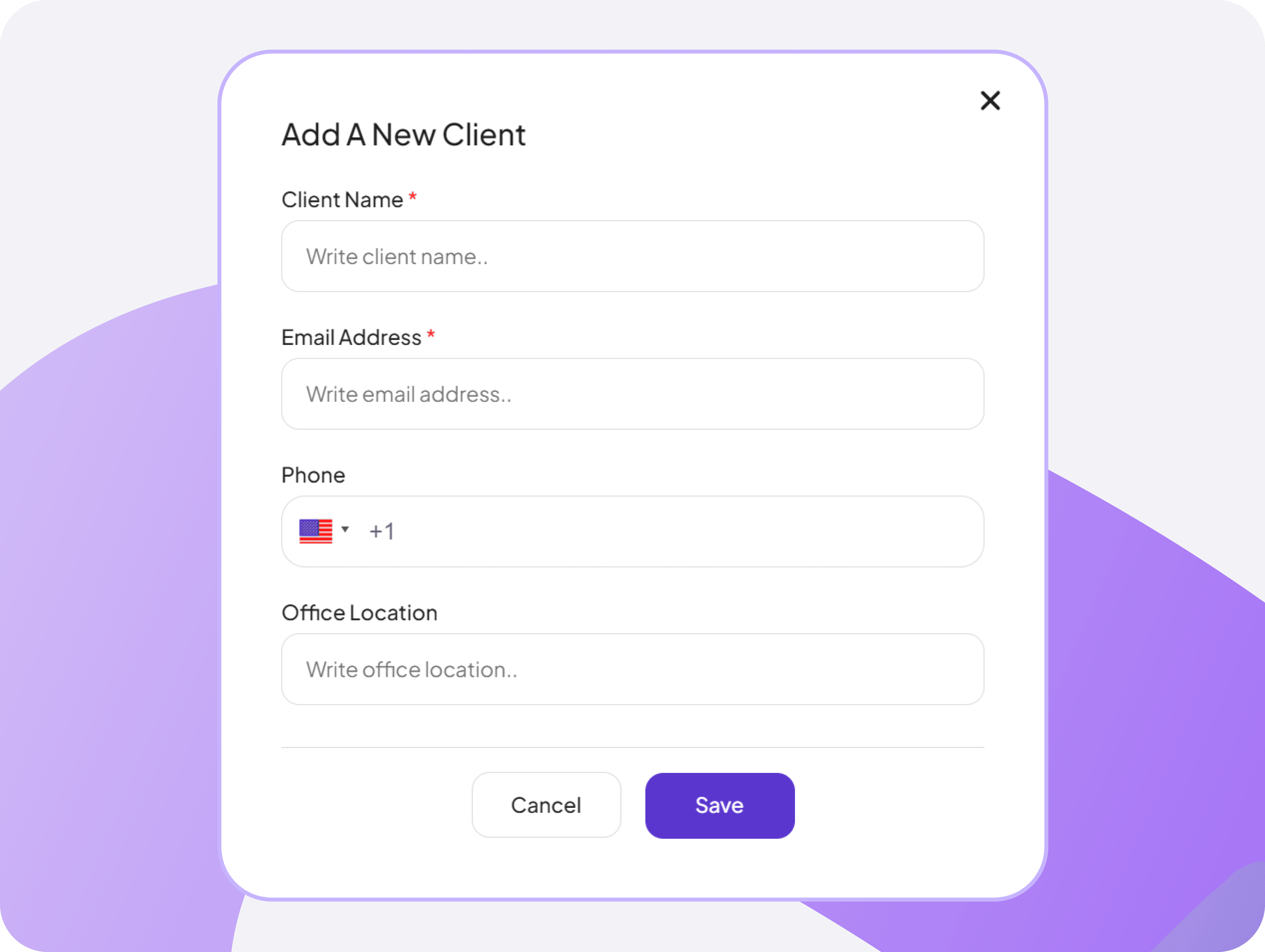
Client Onboarding and Contact Management
Create new client profiles with company names, contact details, country selection with flags, email addresses, and phone numbers in simple forms.
Securely store complete client contact information
Save client profiles once and reuse them for future invoices
Track client request dates and submission history
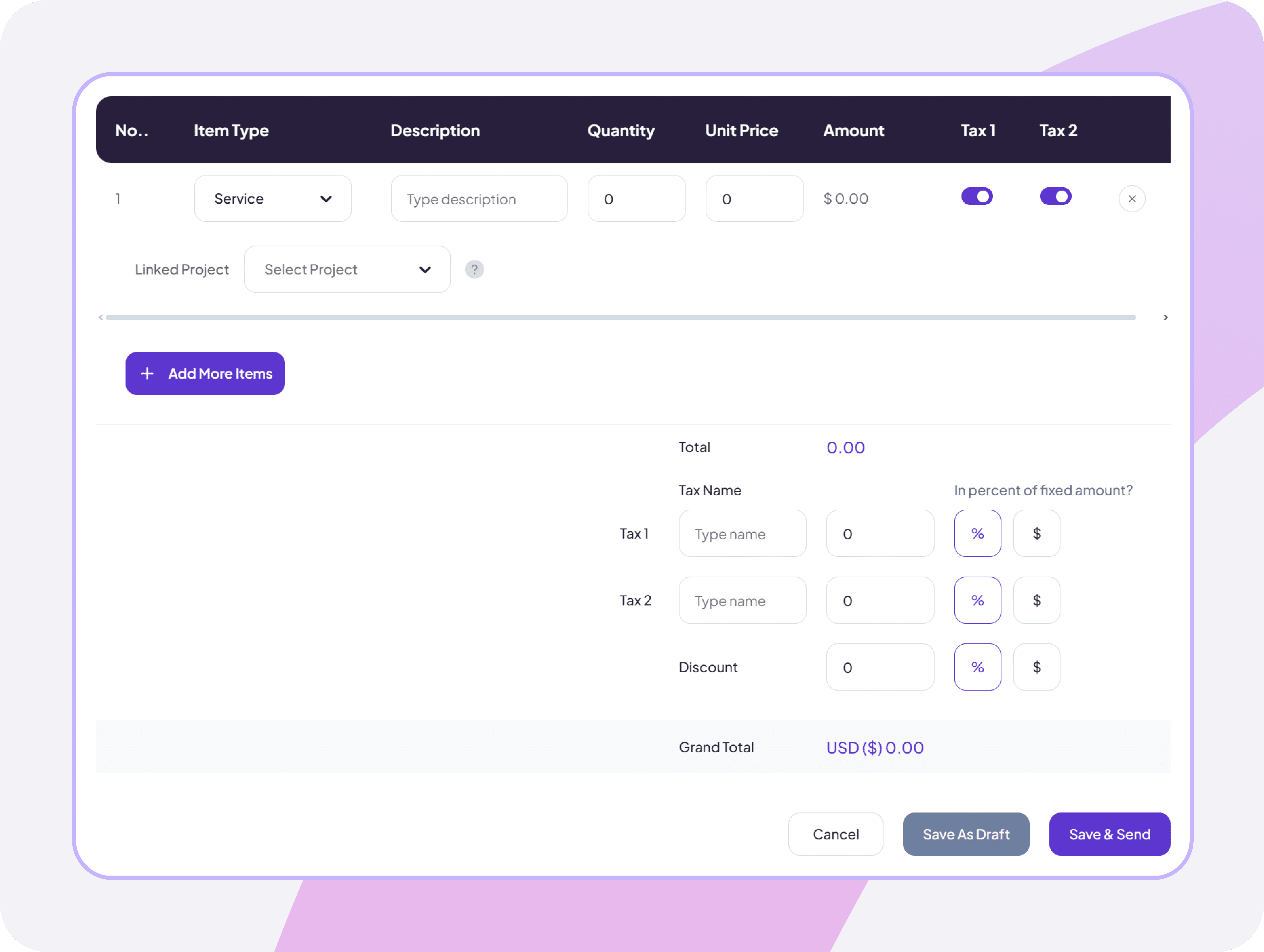
Project-Based Invoice Generator
Create project invoices with full itemized billing, add line items, apply tax rates, and auto-calculate grand totals based on project and hourly rates.
Include itemized services with quantities, unit prices, and billable rates
Auto-apply tax calculations and discounts for error-free grand totals
Automatically convert tracked hourly rates into precise billable invoice amounts
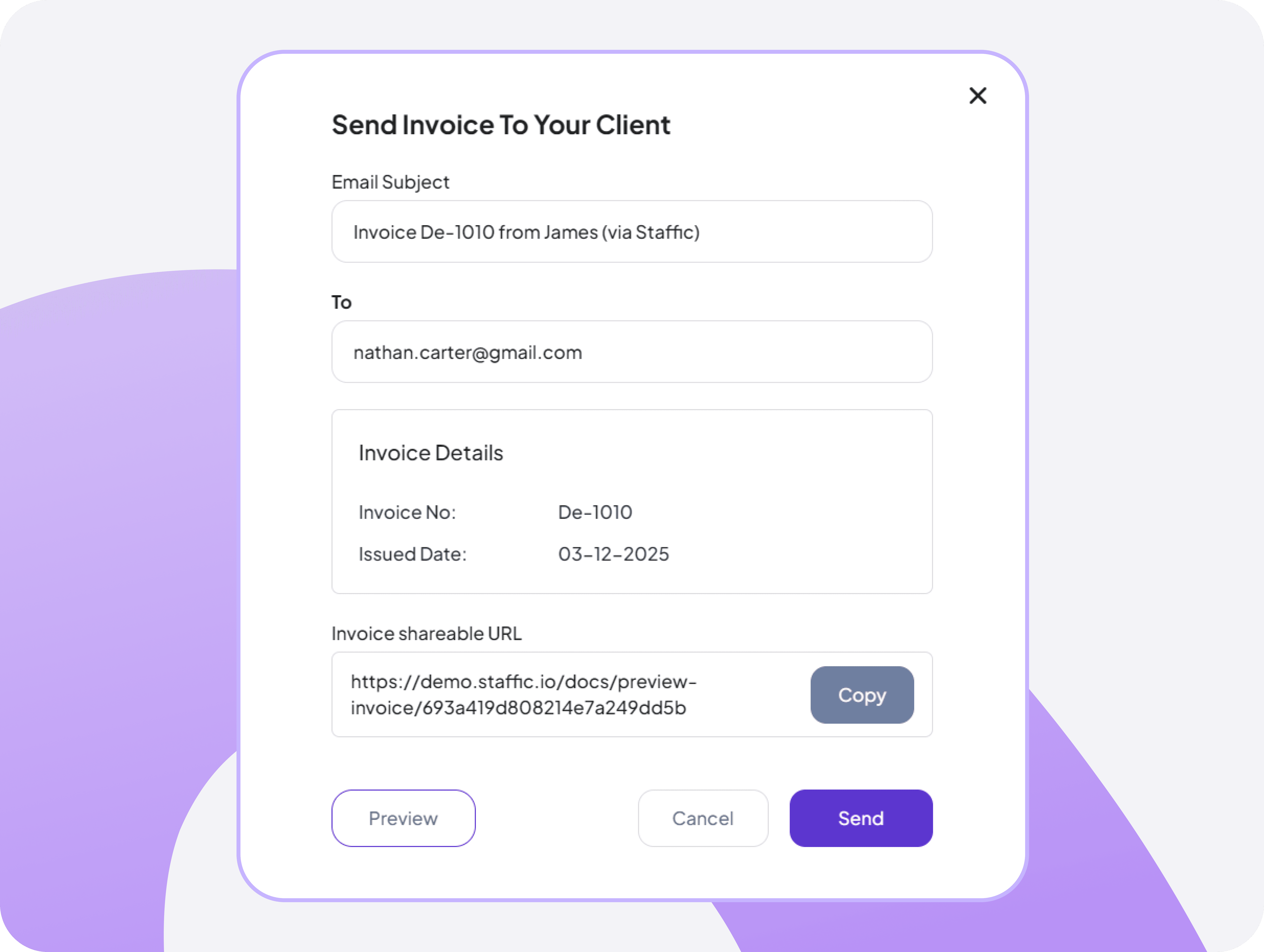
Fast & Secure Invoice Delivery
Deliver professional invoices to clients via email with custom messages, payment links, and shareable invoice URLs with delivery confirmations records.
Send invoices via email with one click
Generate and copy shareable invoice links
Allow clients to view and access invoices in any browser


FAQ
Frequently Asked Questions
Find clear answers to the most common questions about Staffic.io’s invoice management