Manage Tasks Effortlessly
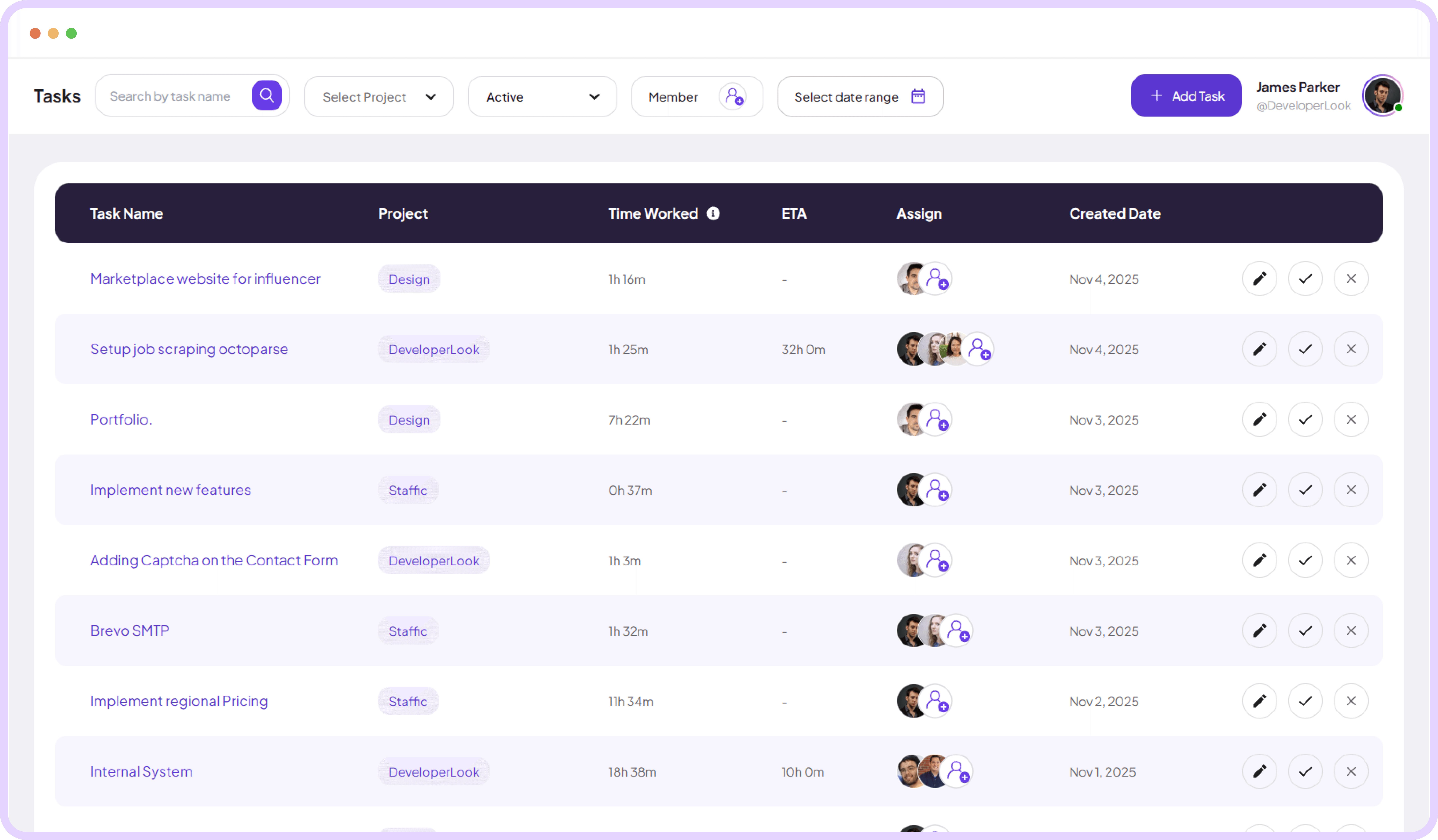
See tasks, projects, time worked, team members, and key dates together in one real-time task management dashboard.
Jump to sections
Tasks Management
Complete Task & Time
Tracking Software for Your Teams

Fast Task & Project Setup
Measure time against task estimates, assign works, and track progress clearly so every project stays on schedule and on budge.
Compare actual time logged with estimated hours (ETA)
Assign multiple team members to a single task
Edit time entries directly from the task table for quick corrections
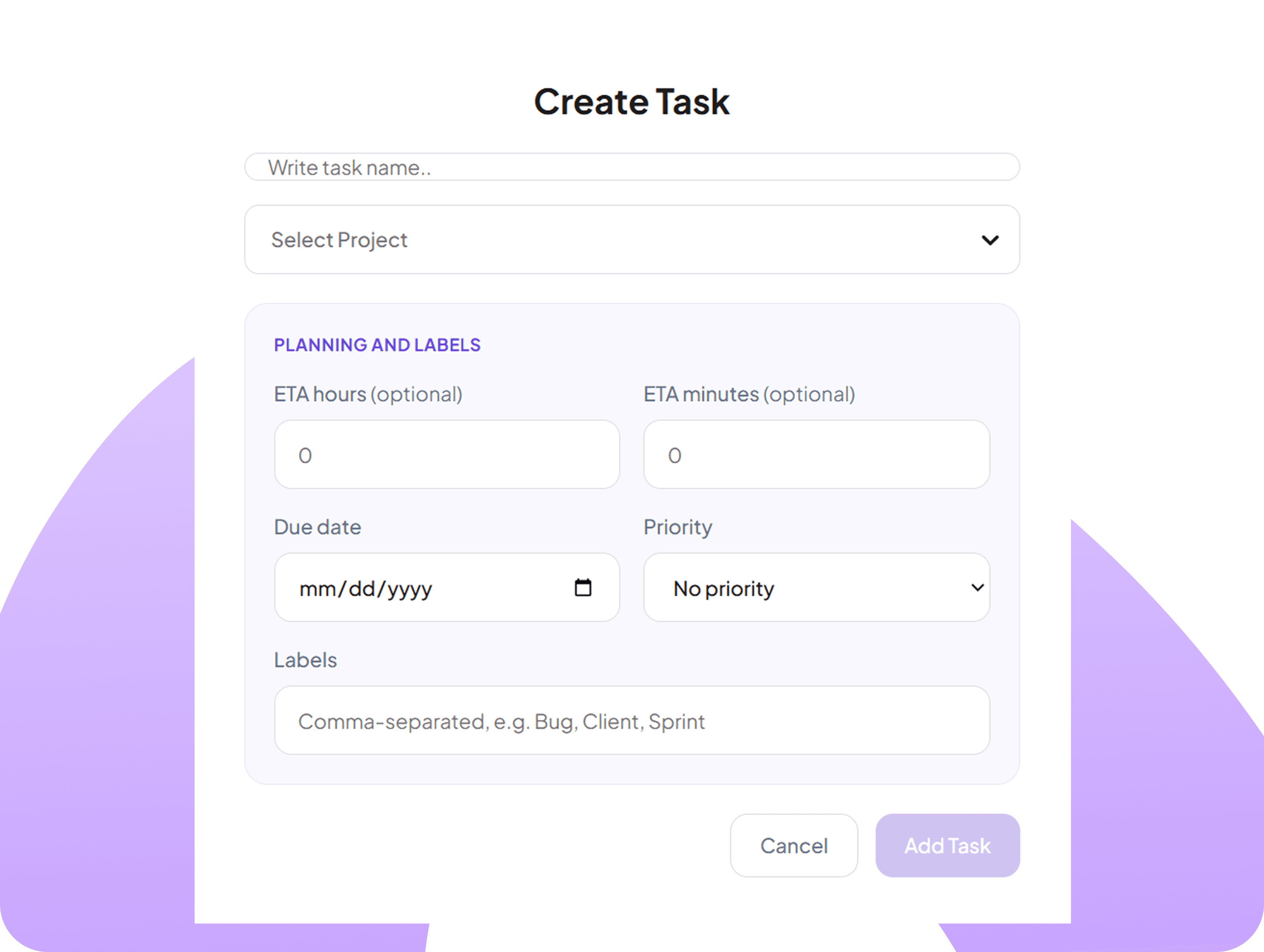
Create New Tasks in Seconds
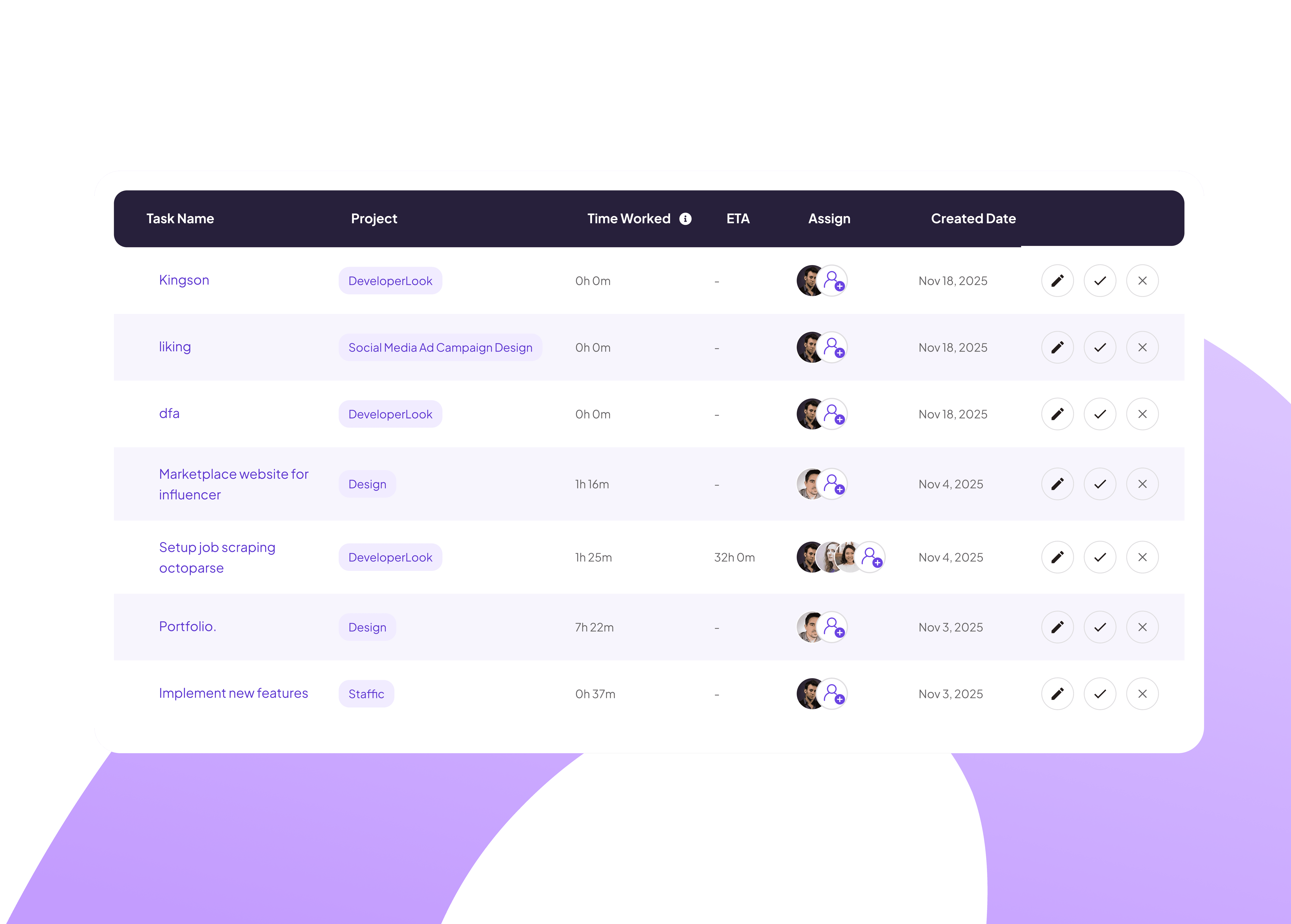
Add tasks quickly with a simple form that records the task name, project, and optional ETA to support accurate time tracking.
Create tasks fast using only required fields
Set optional ETA hours and minutes
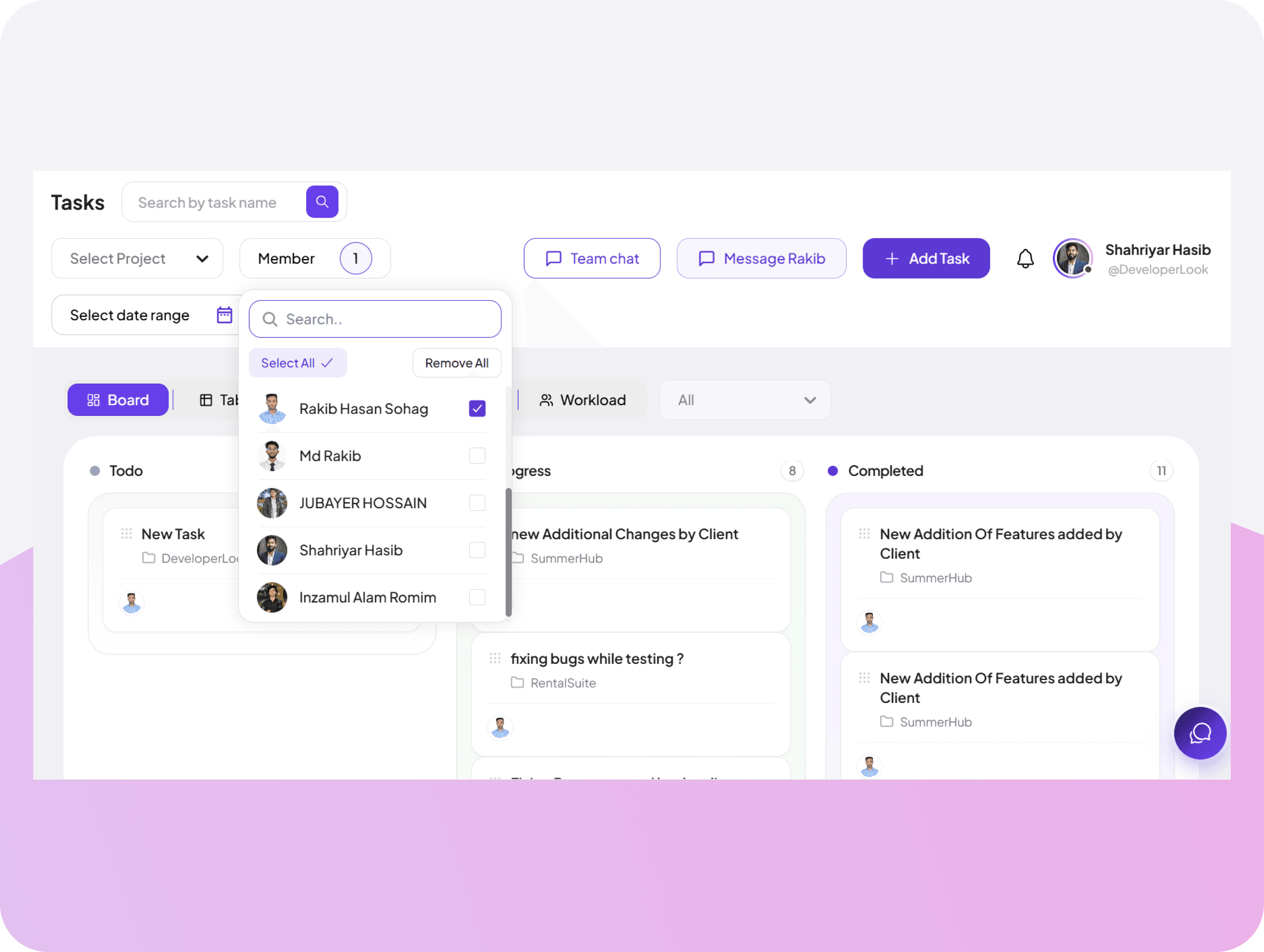
Filter Tasks by Team Member
Choose any team member to see their active tasks, project assignments, time tracked, and ETA insights.
Get a clear view of team member's assigned tasks & workload
Monitor individual time tracked and ETA performance
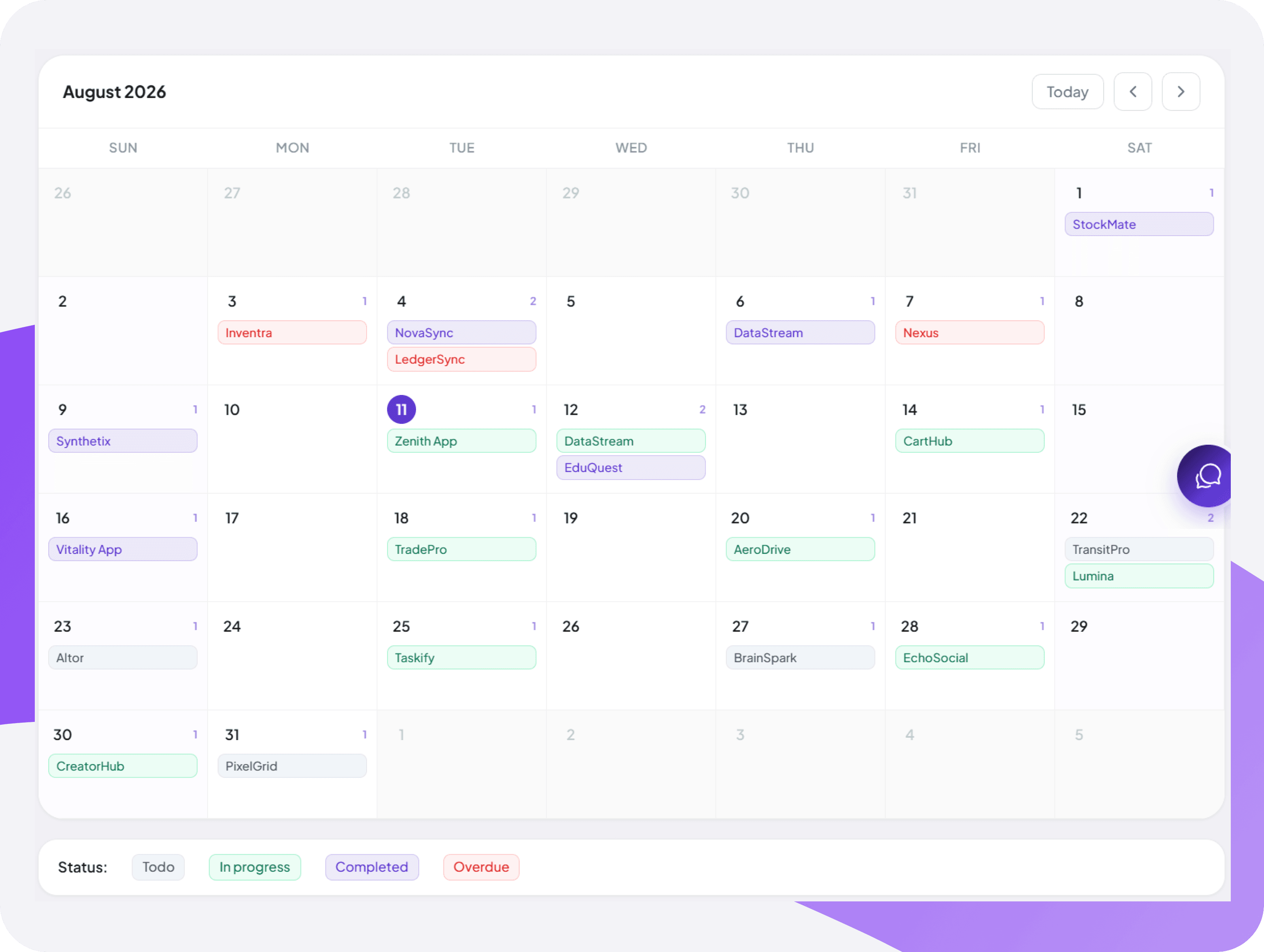
Monthly Calendar View
Browse tasks and time data by day, week, or month using a powerful built-in calendar to know what was worked on and when.
Select custom date ranges to filter tasks and time tracked
Monitor team productivity and task progress
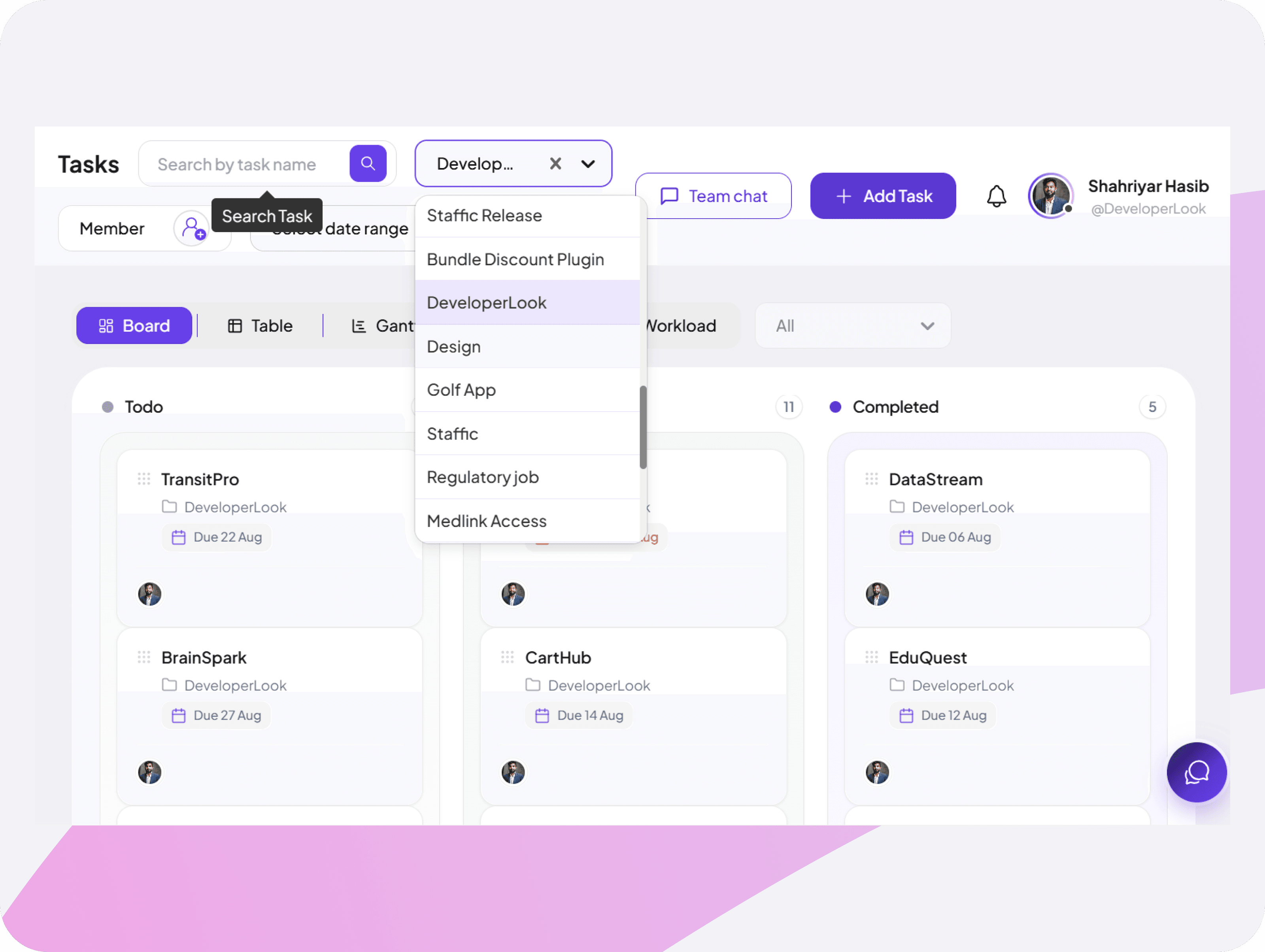
Smart Project-Based Filtering System
Filter any project to see its tasks, total time worked, and ETA performance insights to keep your team on track at all times.
Select any project to filter and view its assigned tasks instantly
Monitor time worked and ETA performance at project level


FAQ
Frequently Asked Questions
Find answers to the questions we get asked the most about task features.