All FeaturesStaffic AI

Meet Your
Built-In AI
Assistant

Simply ask Staffic AI about team hours, app usage, clock-ins, or work summaries and get instant answers through your built AI assistant.
Jump to sections

AI Assistant

Stop Digging Through Reports,
Let AI Do It for You

Your Conversational AI Interface

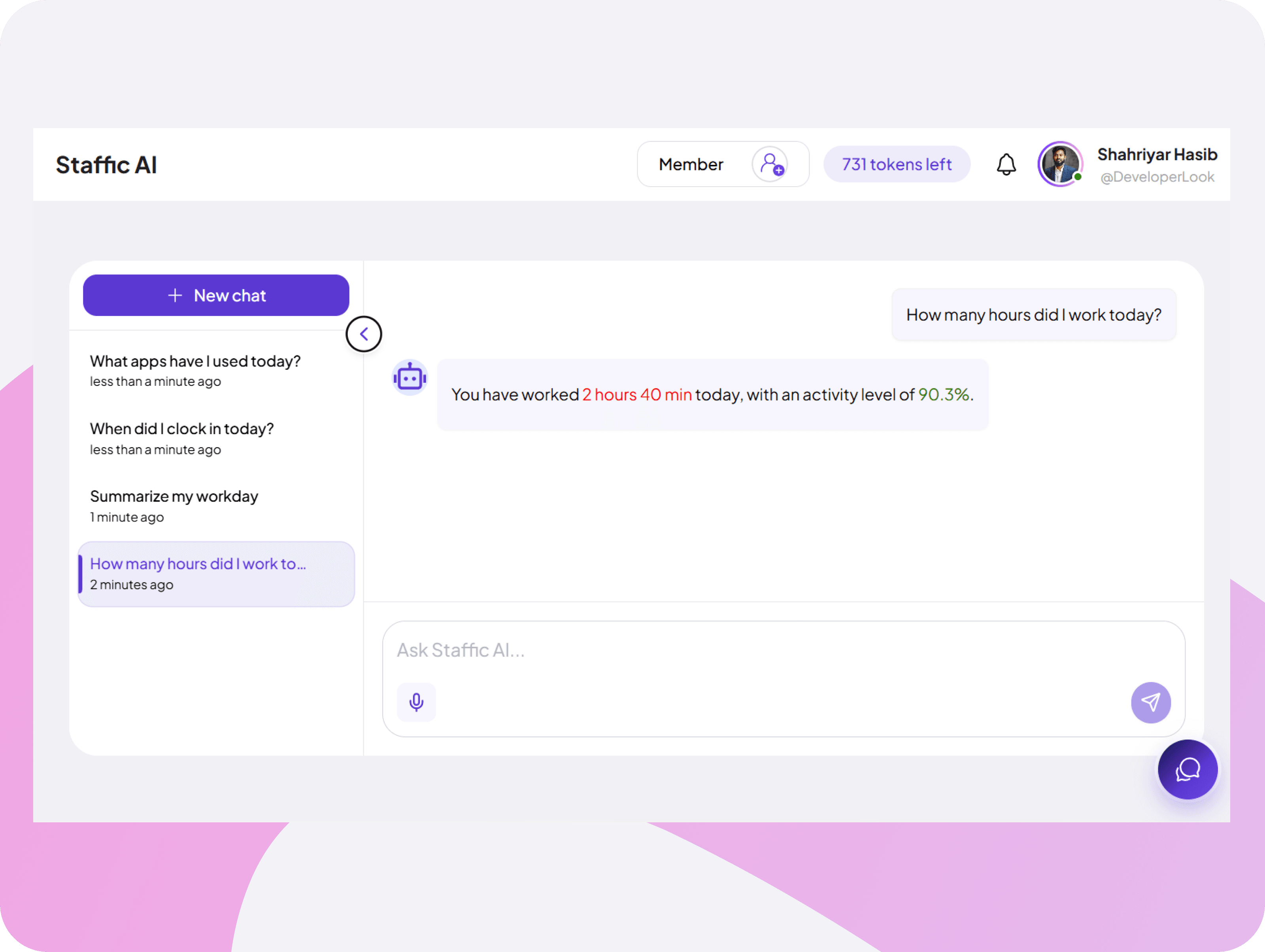
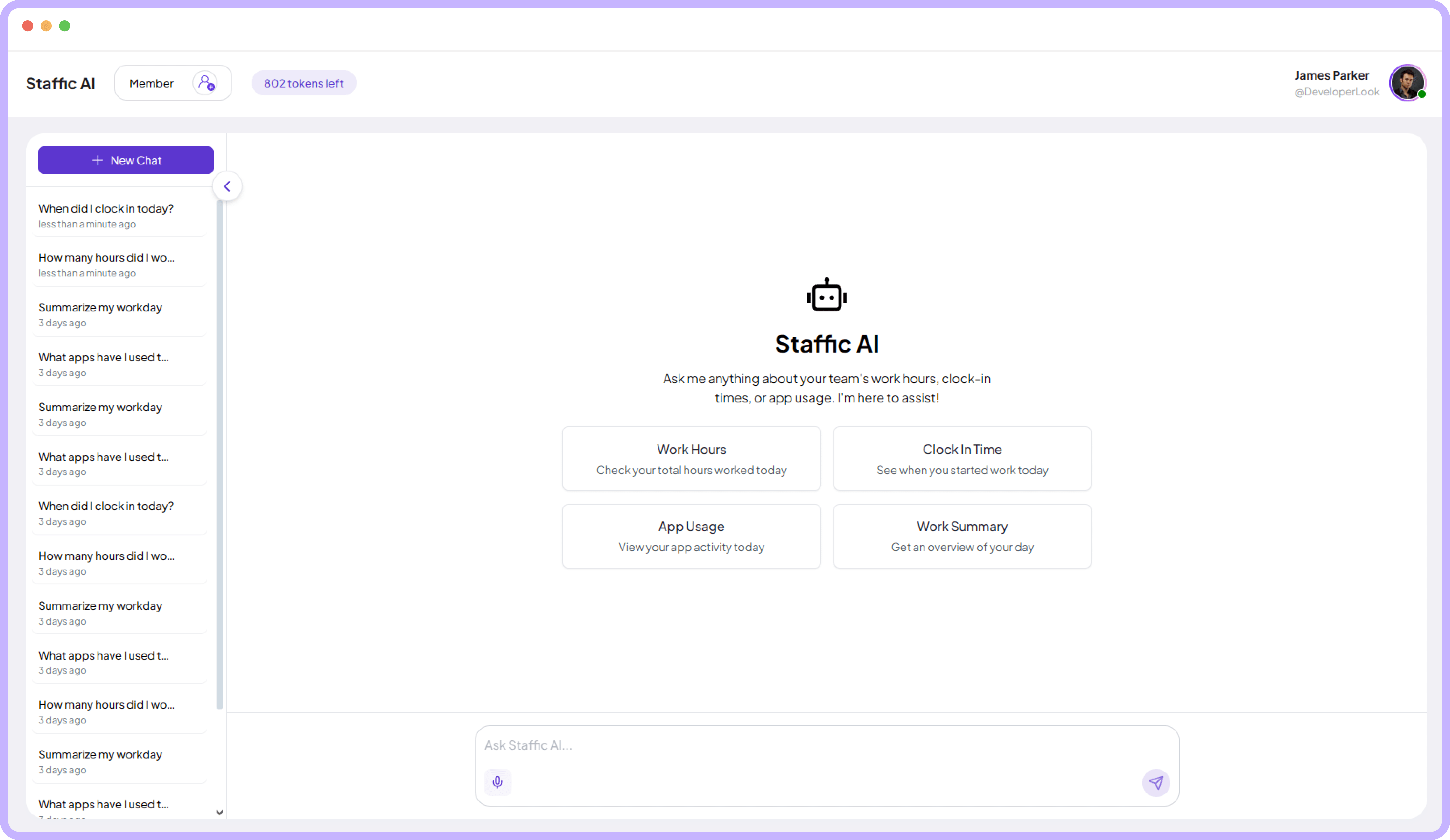
Just ask Staffic AI what you need- work hours, clock-in times, app activity, daily summaries, and get a precise answer in no time.

Ask in plain language and get data-backed answers immediately

Get instant answers to your important team data questions

Conversations are saved and accessible in left sidebar
Feature interface
Feature interface

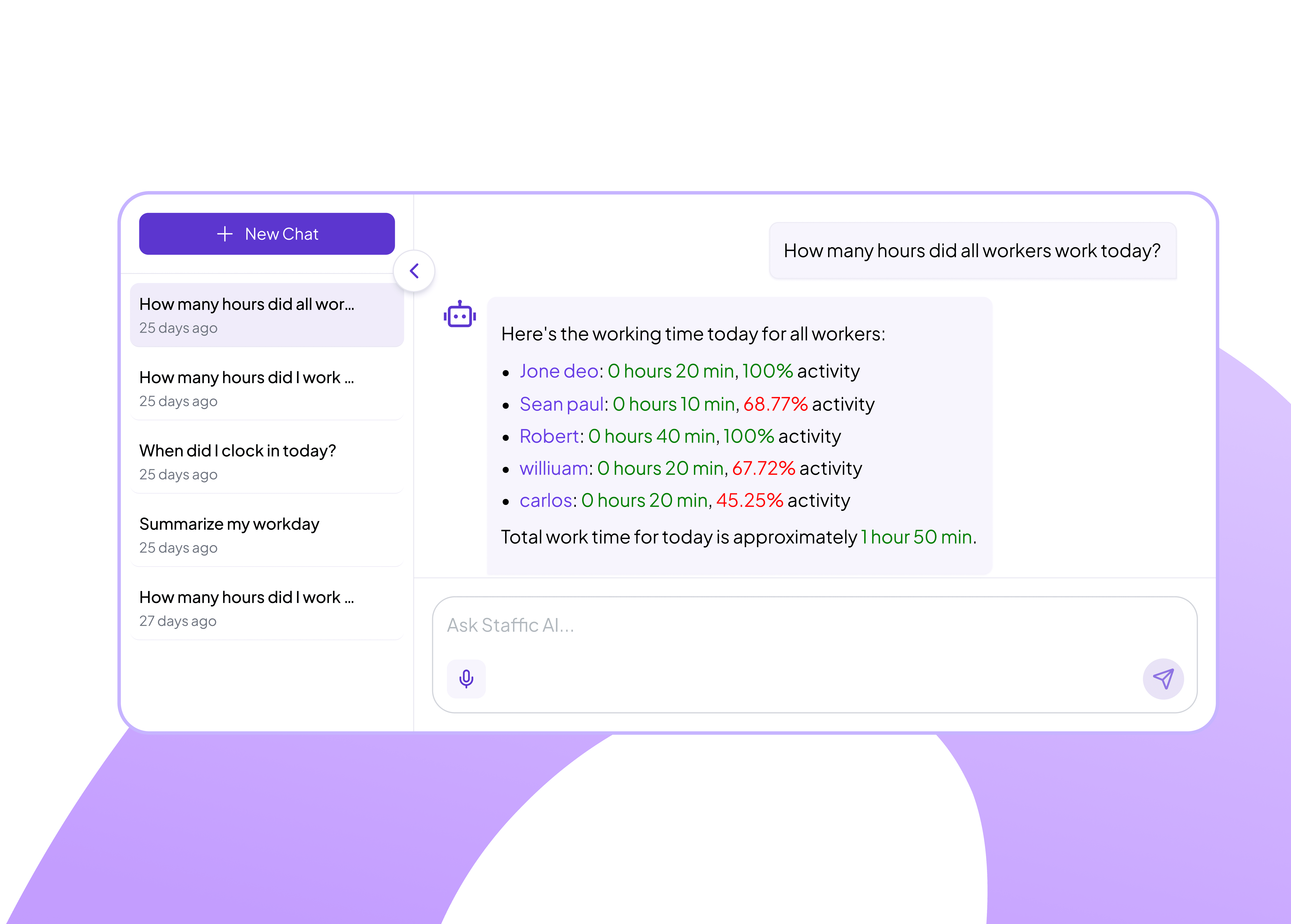
Instant Team Performance Breakdowns by Member

Ask Staffic AI about your team and get a precise breakdown of each member's hours worked, activity percentage, and total work time with color-coded indicators.

View individual hours worked and activity rates for every team member

Red percentages highlight below-target performance clearly

FAQ

Frequently Asked Questions

Find clear answers to the most common questions about Staffic AI

Staffic AI is an ai powered assistant that turns your team’s time tracking, app usage, and activity data into clear, actionable insights. It helps you to make smart decisions about team management and productivity.
Staffic AI analyzes work hours, activity levels, and app usage to highlight productivity trends across teams, projects, and individual members. It can predict project completion timelines, suggest more efficient team allocations, and identify potential issues before they become problems.
Yes. All AI processing happens securely within Staffic.io’s infrastructure and your data is never shared with anyone else. Staffic AI is designed to follow strict privacy and security practices so your company, team, and client data remain protected.
Yes, Staffic AI can automatically generate easy‑to‑read reports that summarize key metrics like hours worked, activity percentages, and project performance. You can schedule these AI‑powered reports to be delivered to your inbox or dashboard.
Getting started is simple: go to the Admin section in your Staffic.io account and enable Staffic AI features for your workspace. Once enabled, you can configure preferences and start asking questions.

Boost Your Team's Productivity with AI-Powered Time Tracking App - It's Free

Start your free trial