Manual Time Reports
Track and review manually added time entries with complete audit trails showing edits, additions, deletions, and reasons for changes.
Jump to sections
Performance Overview
Transparen Manual Time With Full Accountability



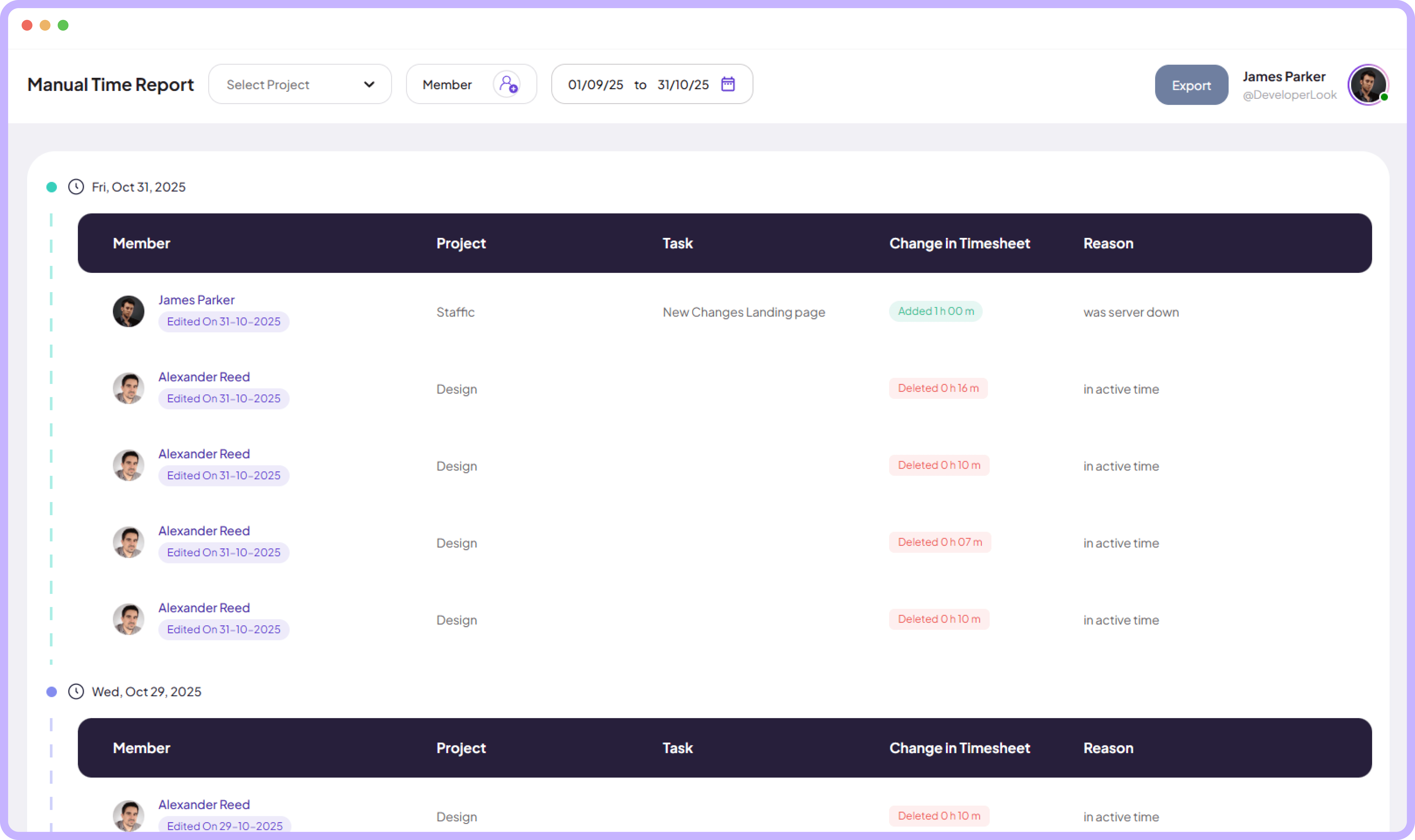
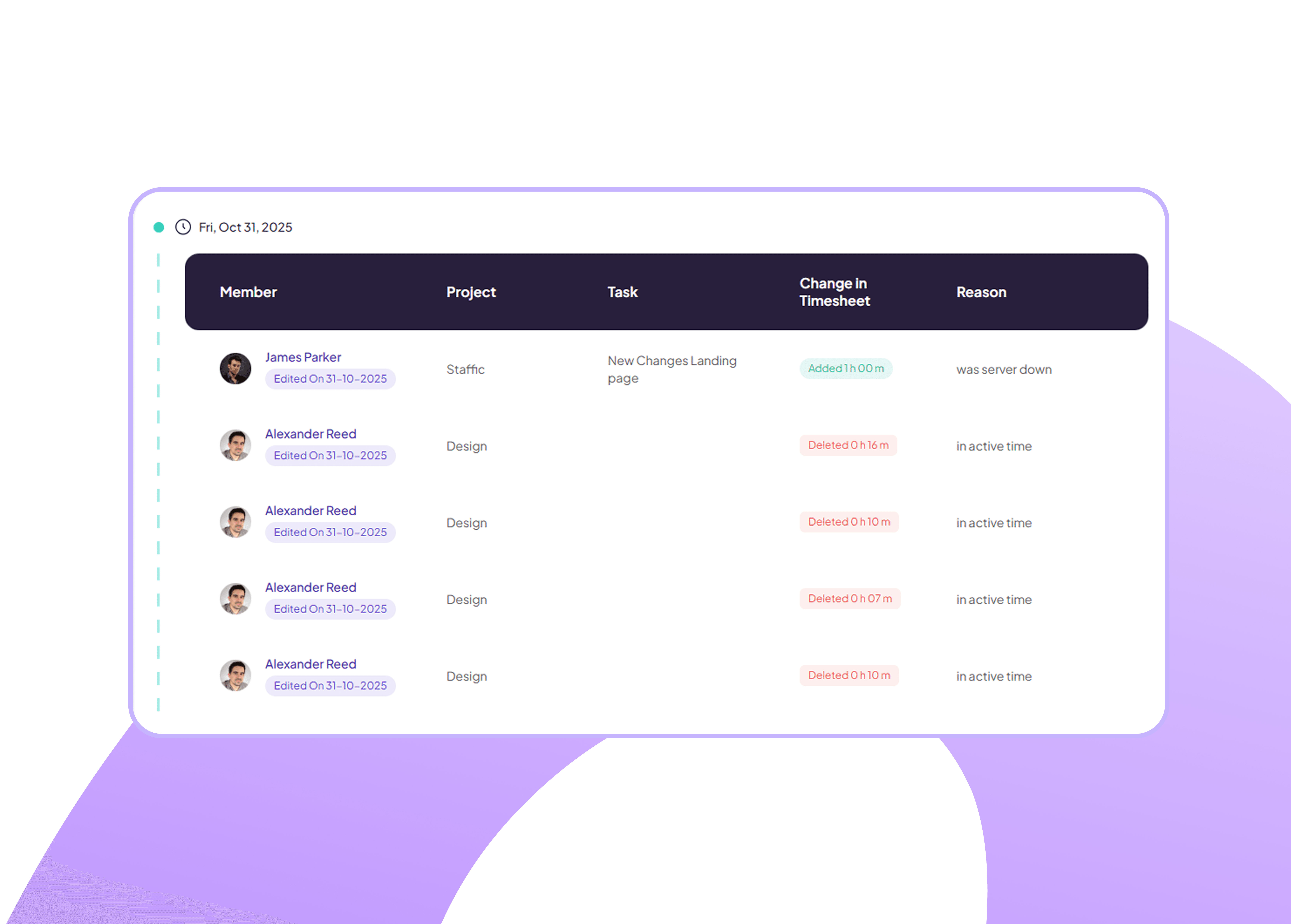
Manual Entry Audit Log
View a complete history of manual time entries showing who made changes, what was modified, and when edits occurred for full transparency.
See member names and edit timestamps clearly
Track added and deleted time entries separately
Identify top performers instantly
Exportable Time Reports
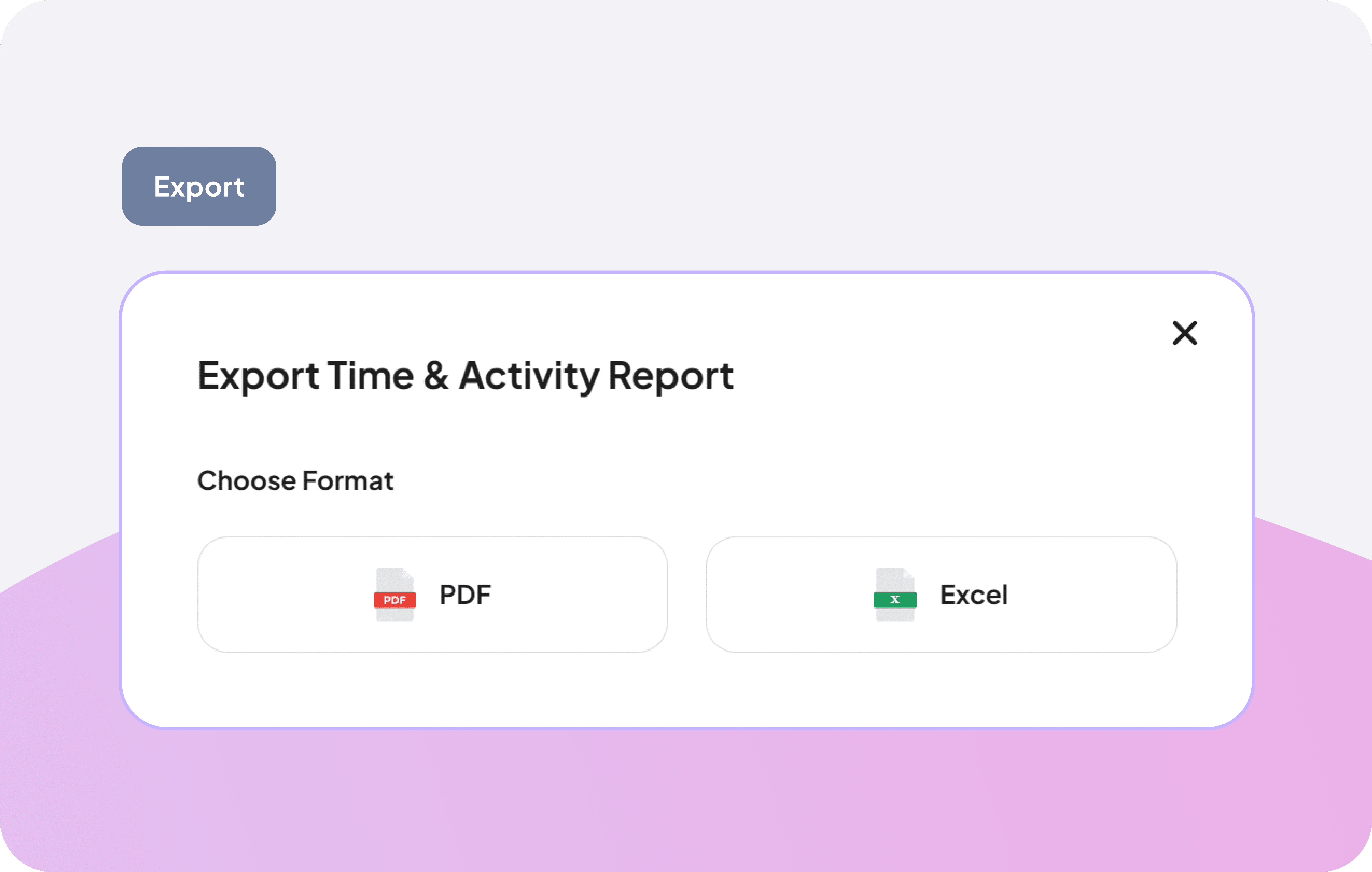
Share progress with clients or archive your data easily by generating professional reports in the format that works best for your workflow.
Generate reports in one click
Choose between PDF or Excel formats
Sync reports seamlessly with tools
Smart Project-Based Filtering System
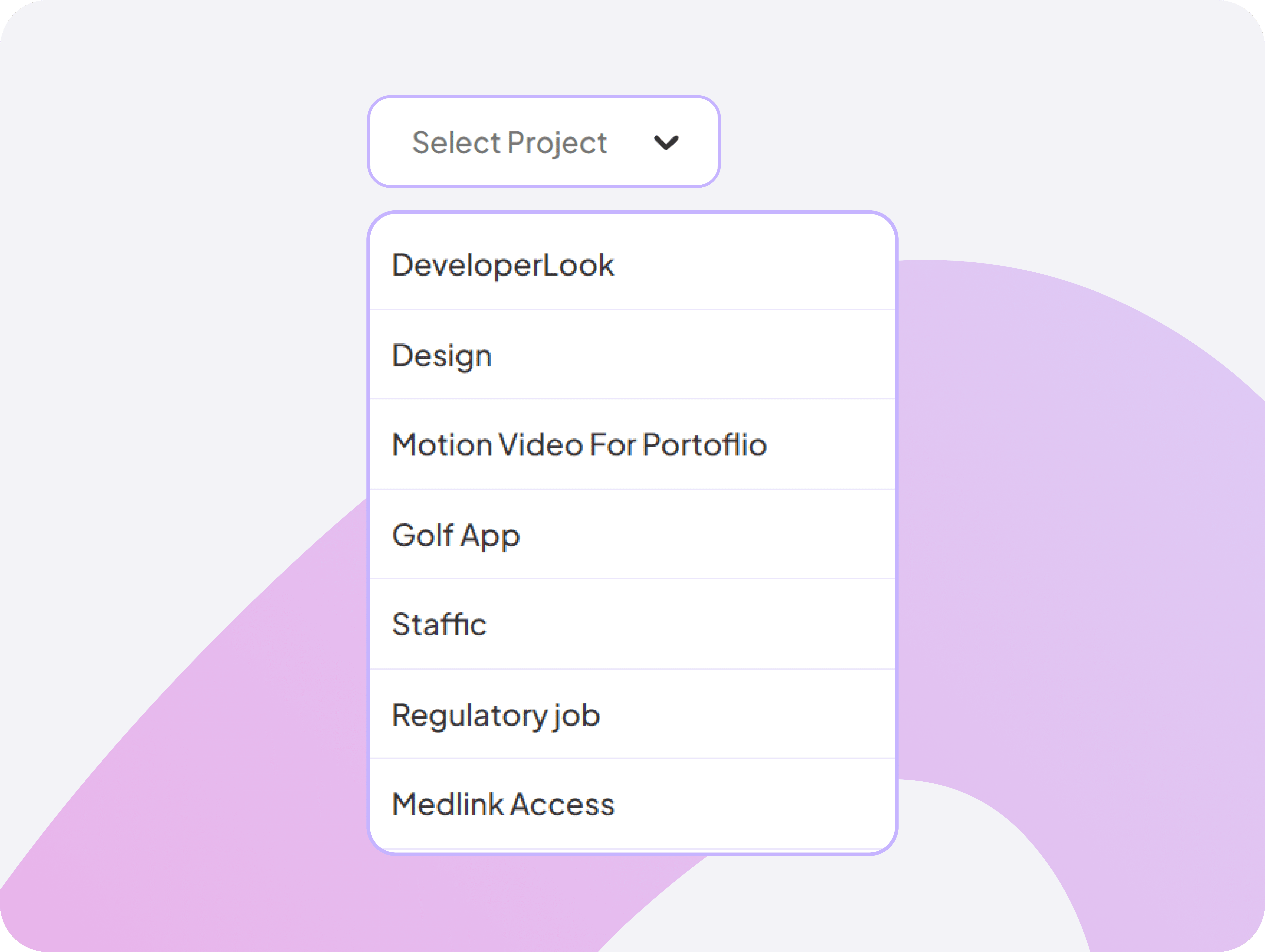
Choose a specific project to instantly filter timestamps, making analysis faster and more relevant.
Filter manual time log by project
Focus on relevant work data
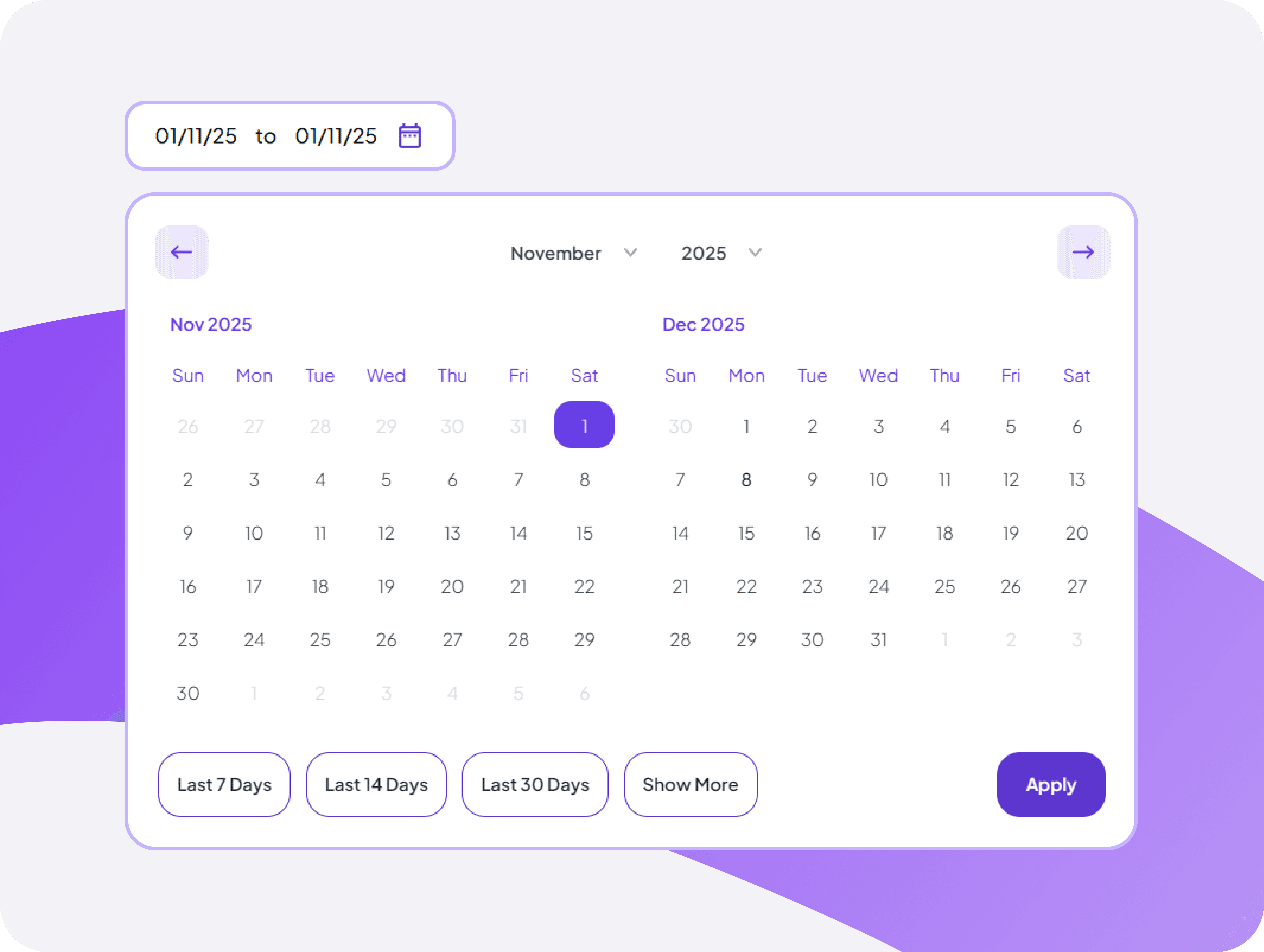
Intuitive Calendar-Based Activity Search
Quickly navigate through days, weeks, and months to find timestamps clearly for any selected date range.
Jump to specific manual time log dates
Navigate months with ease
Flexible Member-Focused Filtering Tool
Select any team member to view manual time entry for clearer individual performance insights.
Filter reports to show specific people's data
Explore individual or multiple team manual time entry


FAQ
Frequently Asked Questions
Find answers to the questions we get asked the most about manual time.