Track Team
Time & Activity
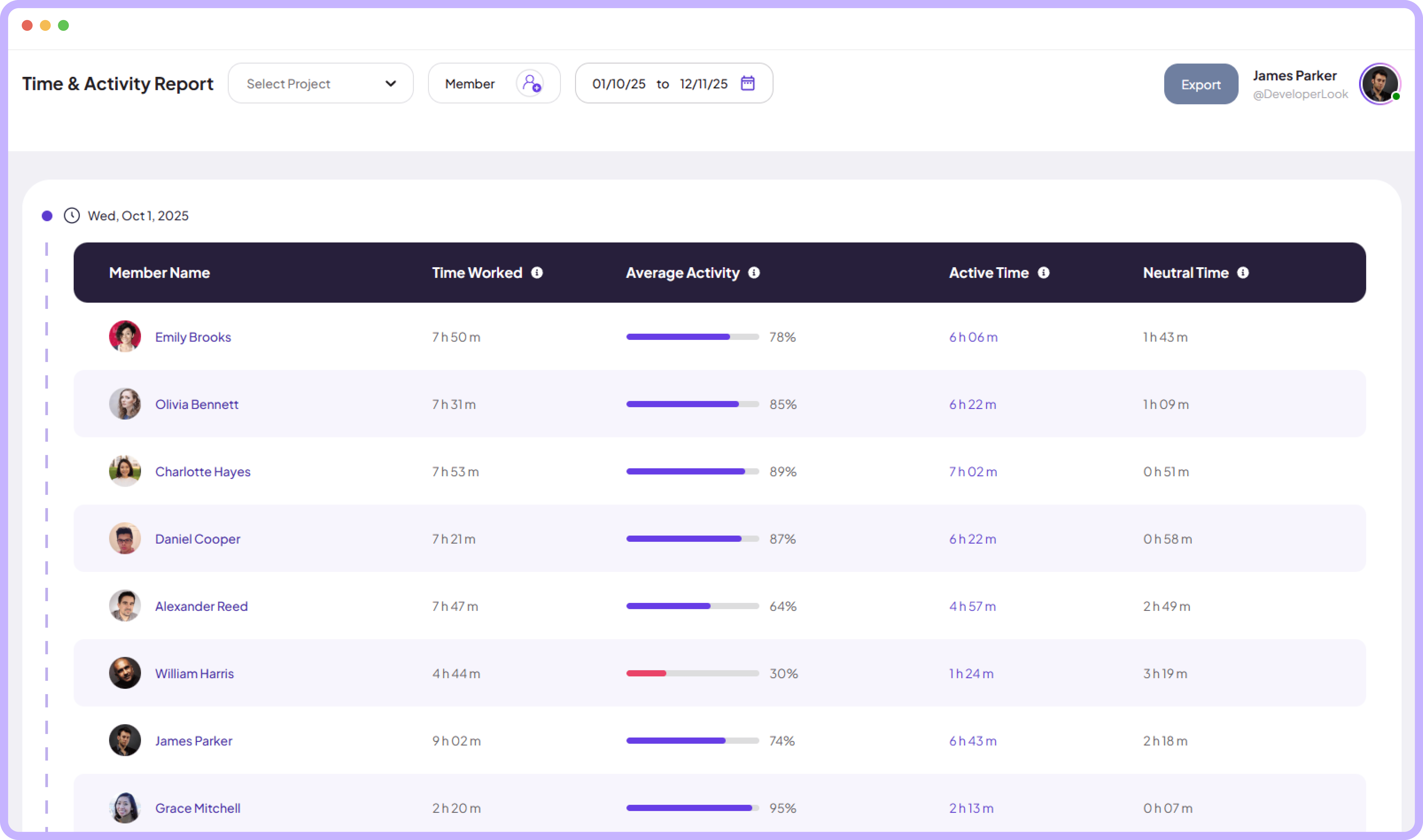
Gain full visibility into team performance with detailed activity reports that help you spot trends and improve productivity instantly.
Jump to sections
Performance Overview
Powerful Reporting Tools
For Data-Driven Team


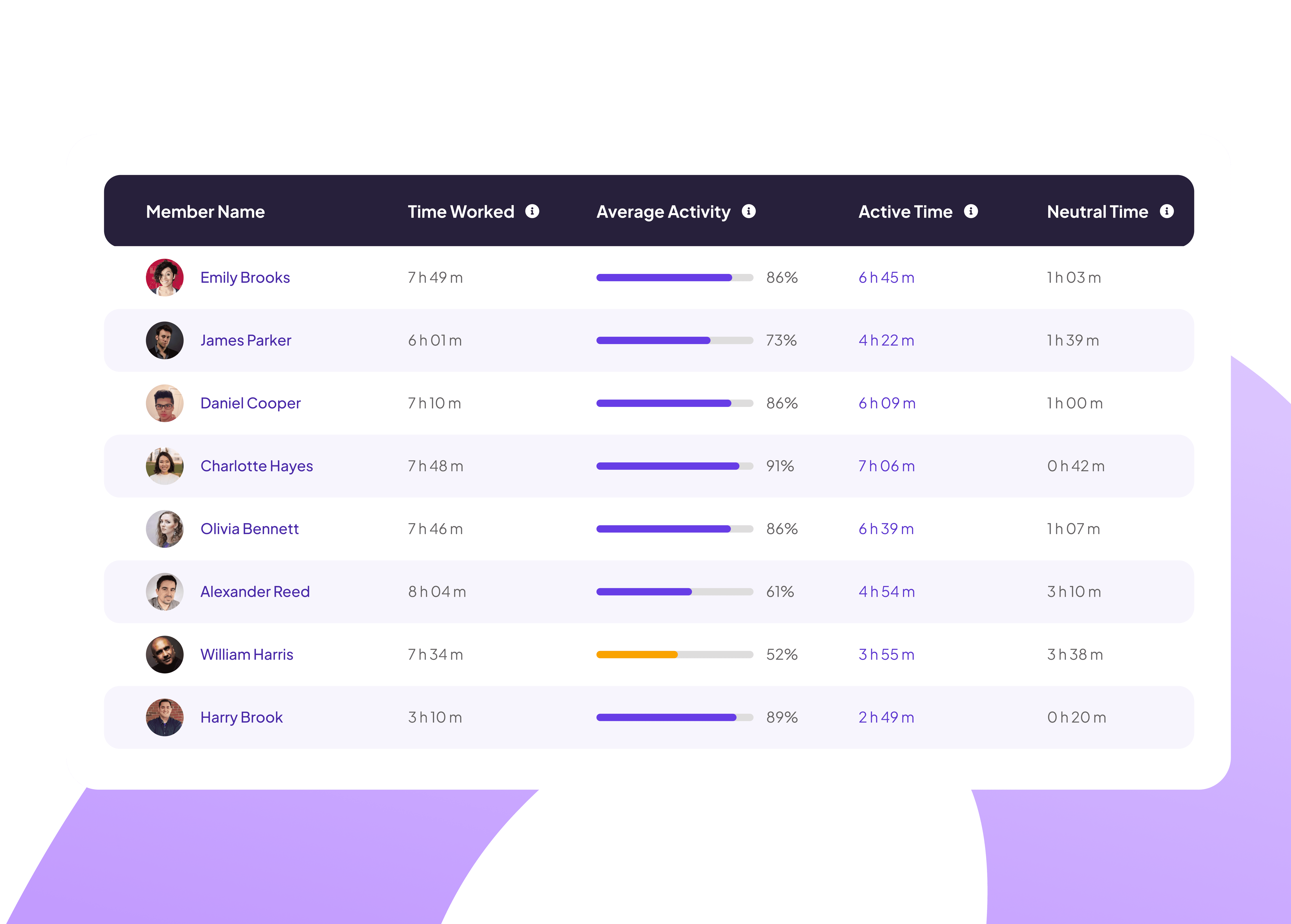
Visualize teams Performance at a Glance
Get a clear overview of hours worked and activity levels for every team member in one single view.
View individual member activity stats
Track total active versus neutral time
Identify top performers instantly
Exportable Time Reports
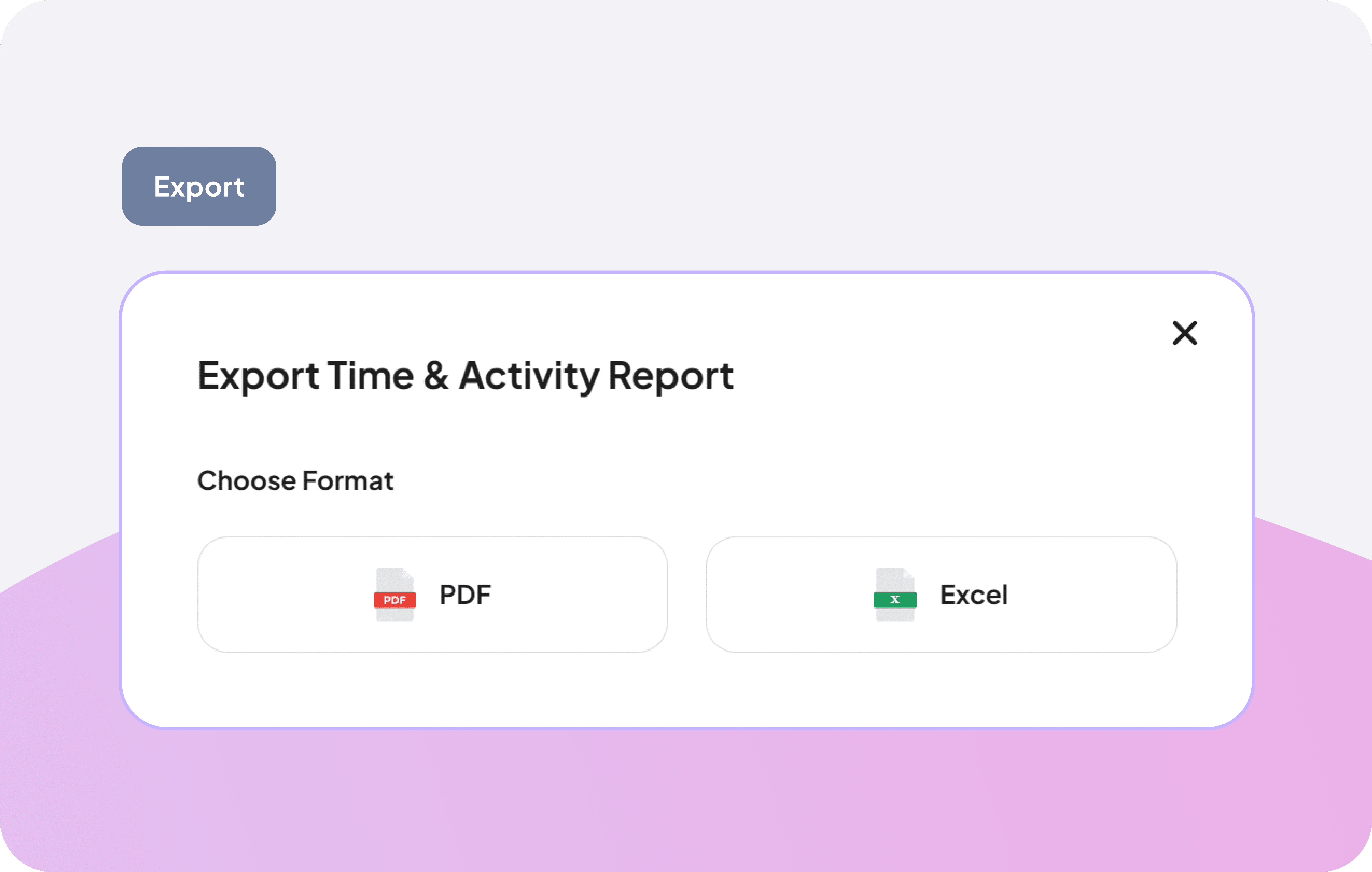
Share progress with clients or archive your data easily by generating professional reports in the format that works best for your workflow.
Generate reports in one click
Choose between PDF or Excel formats
Sync reports seamlessly with tools
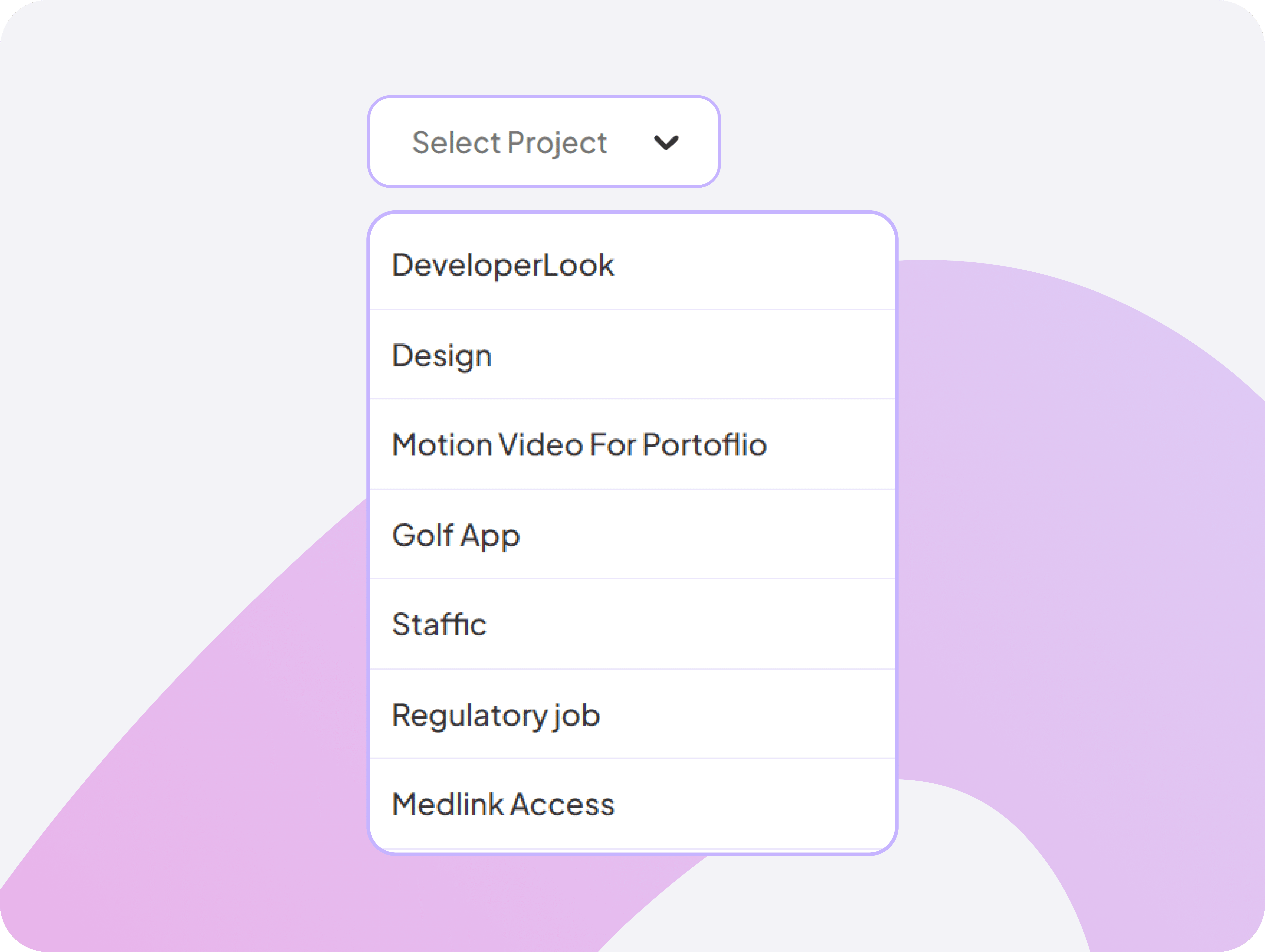
Smart Project-Based Filtering System
Choose a specific project to instantly filter time & activity, making analysis faster and more relevant.
Filter time & activity by project
Simplify in-depth project reviews
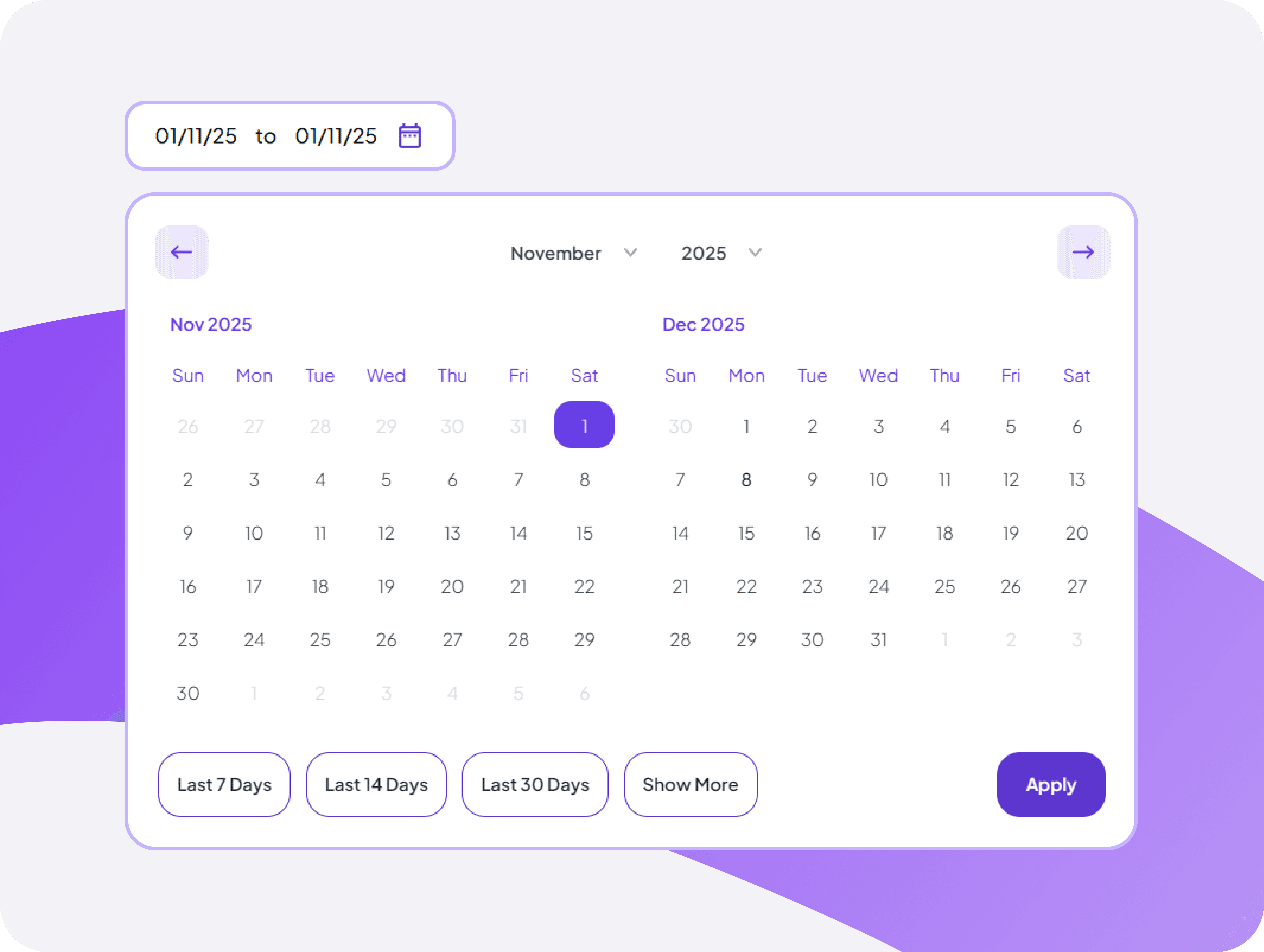
Monthly Calendar Time View
Plan ahead with a monthly calendar view that shows time entries across weeks, helping you spot patterns and plan capacity.
Navigate between months with simple date picker
See total hours logged for any day instantly
Flexible Member-Focused Filtering Tool
Select any team member to view their time & activity for clearer individual performance insights.
View time & activity by team member
Compare performance individually


FAQ
Frequently Asked Questions
Find answers to the questions we get asked the most about time & activity report.