Weekly Work
Overview
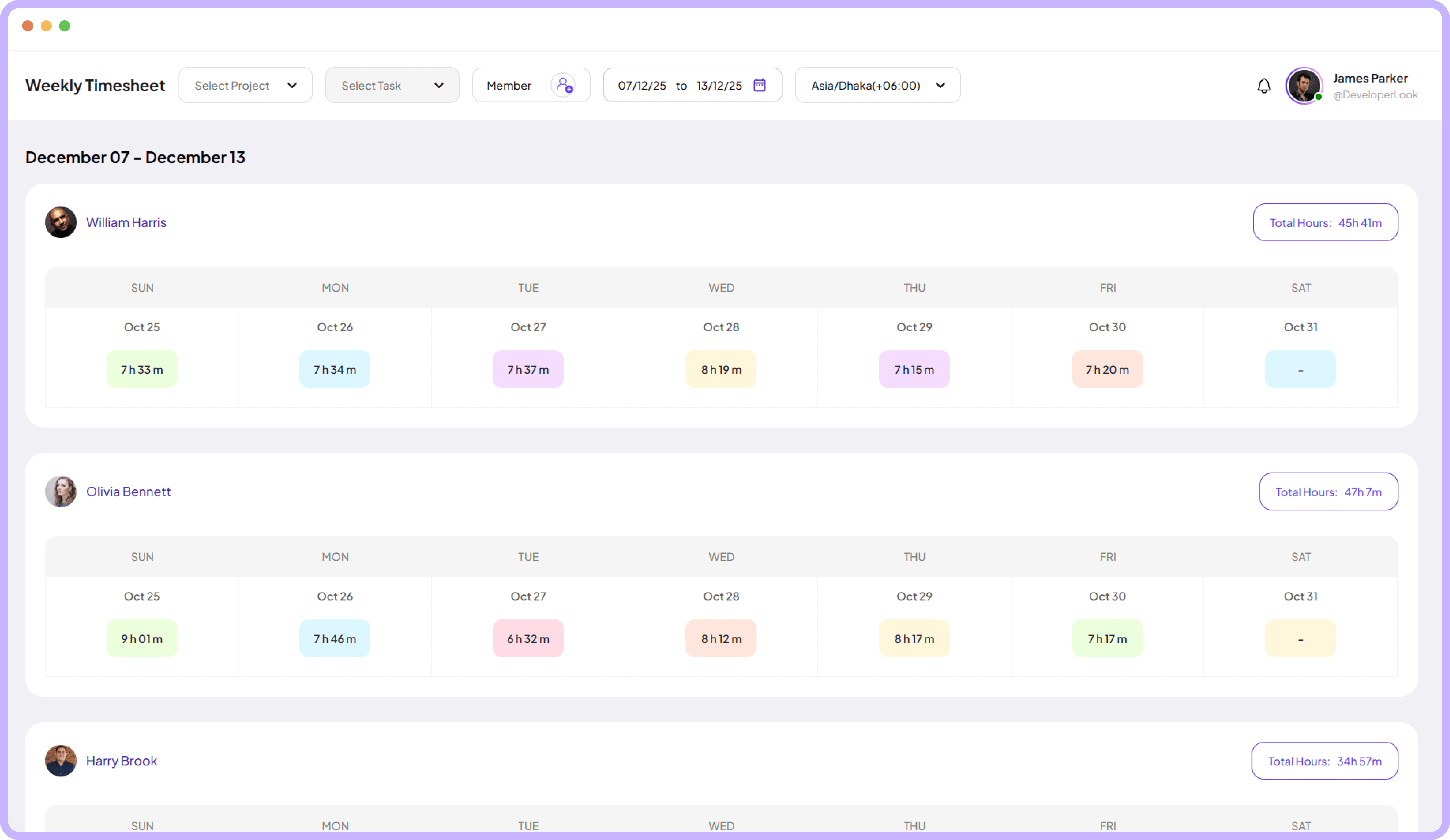
Get a clear weekly view of worked hours to understand how teams evolve across the entire week.
Jump to sections
Weekly timesheet overview
Weekly Timesheet
Review Tools



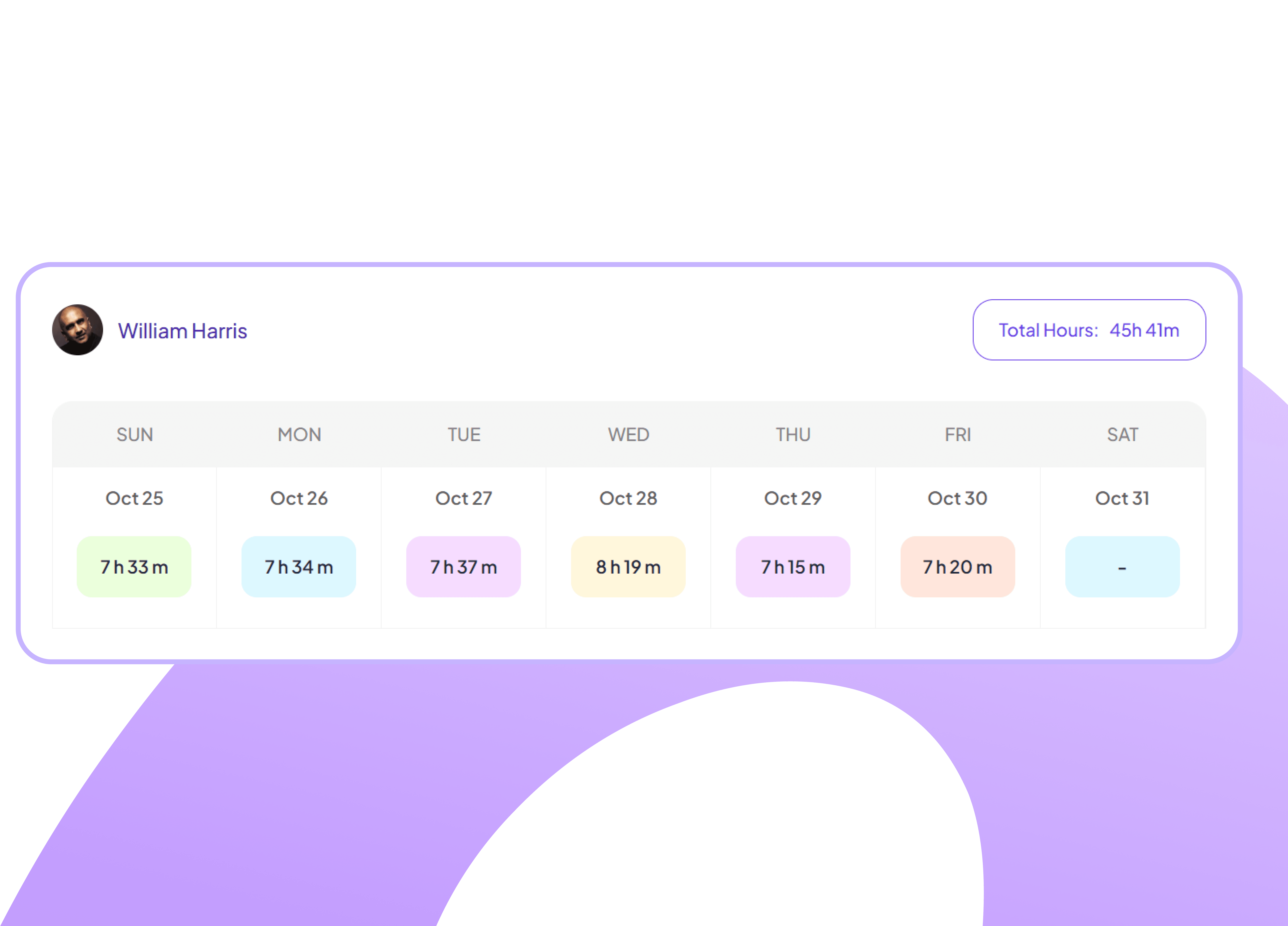
Individual Weekly Timesheet Display
View each team member's weekly timesheet showing daily hours worked
See full week of hours per employee
Identify overtime and undertime at a glance
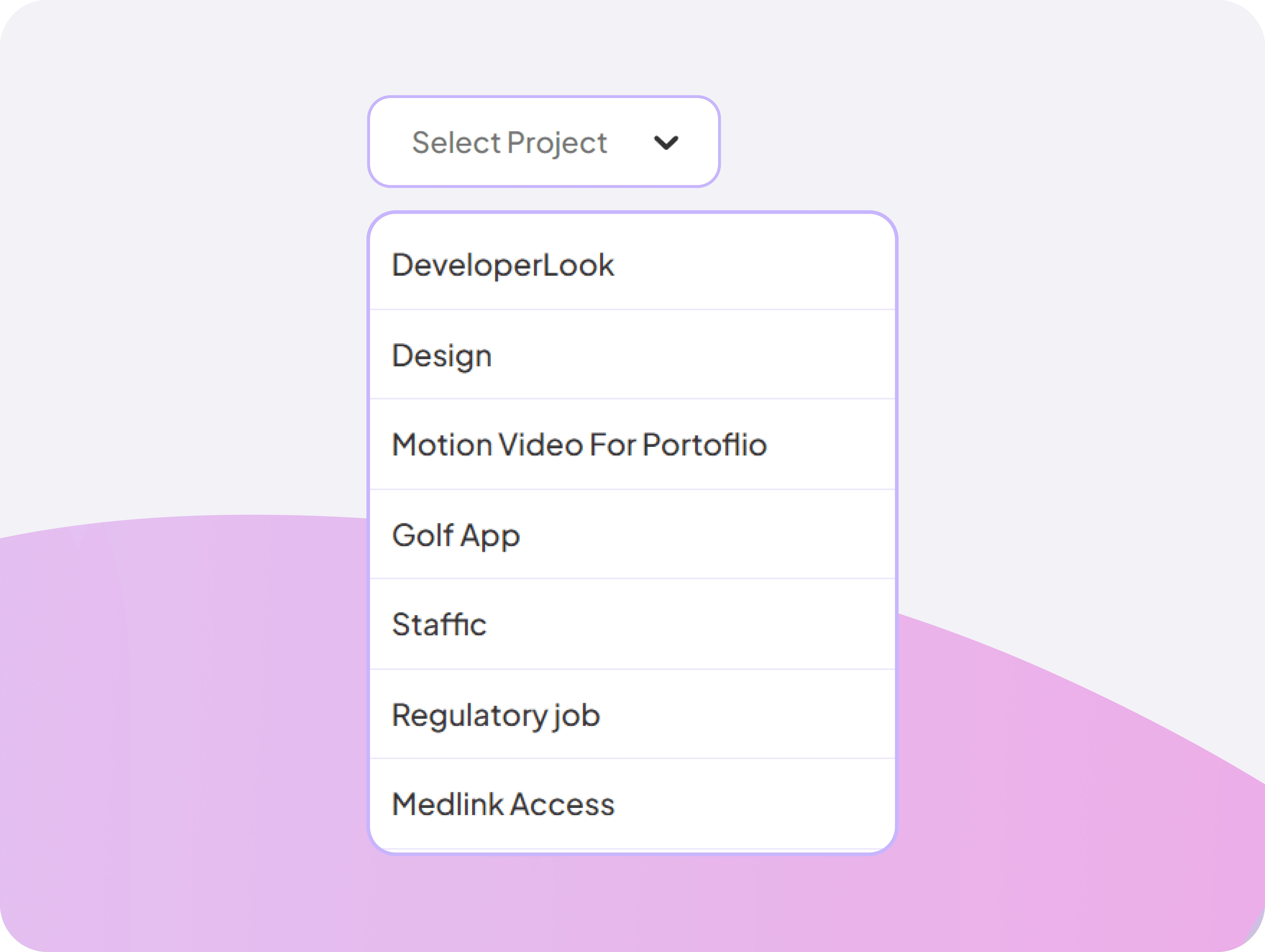
Project-Specific Timesheet Filter
Filter weekly timesheets by specific projects to see time allocation per initiative, helping with project budget tracking and resource analysis.
View hours worked per project weekly
Ensure project budgets align with hours
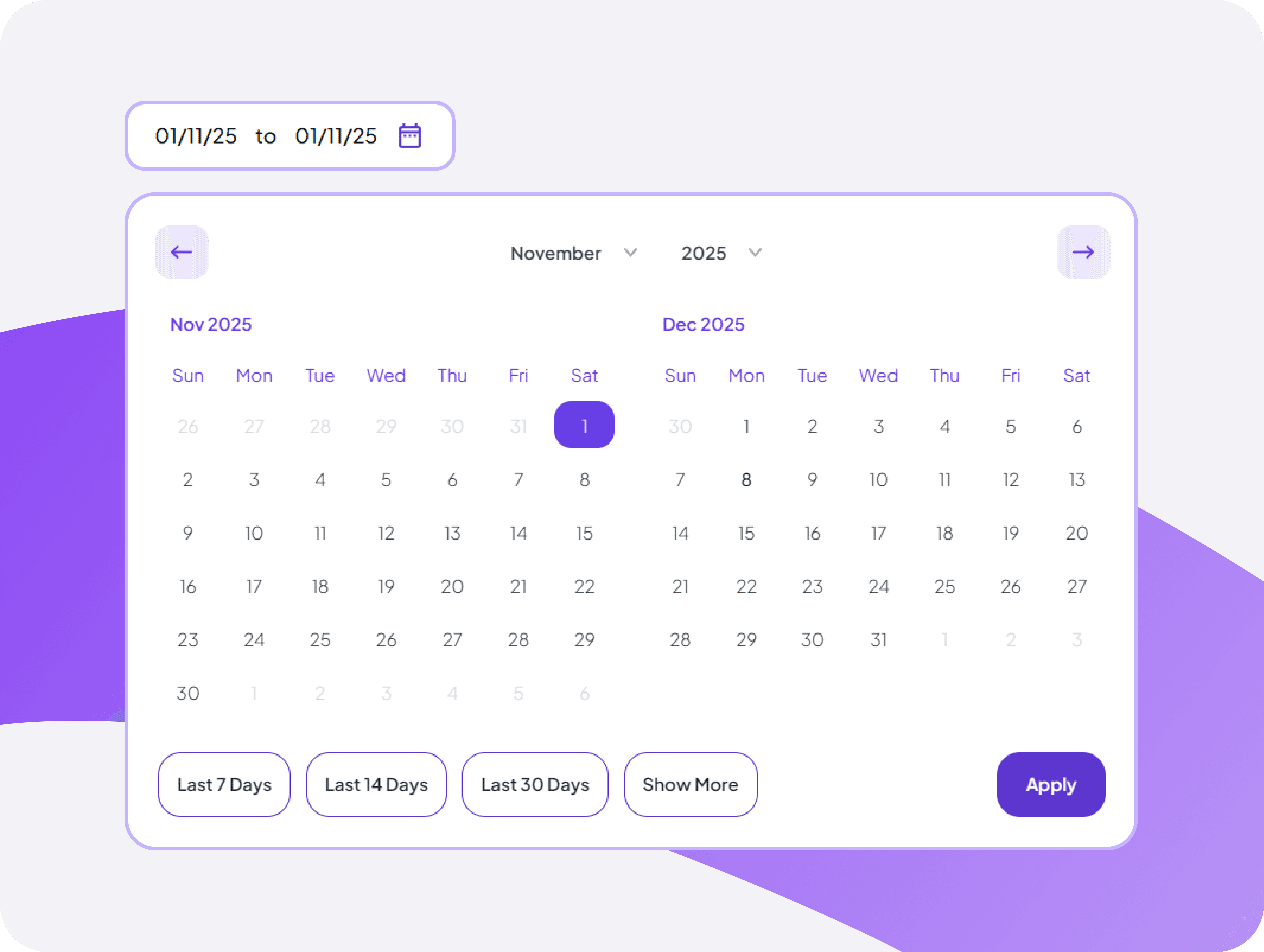
Week Selector Navigation Control
Navigate between weeks easily with date range
Jump between weeks with simple navigation
Track timesheet patterns over multiple weeks
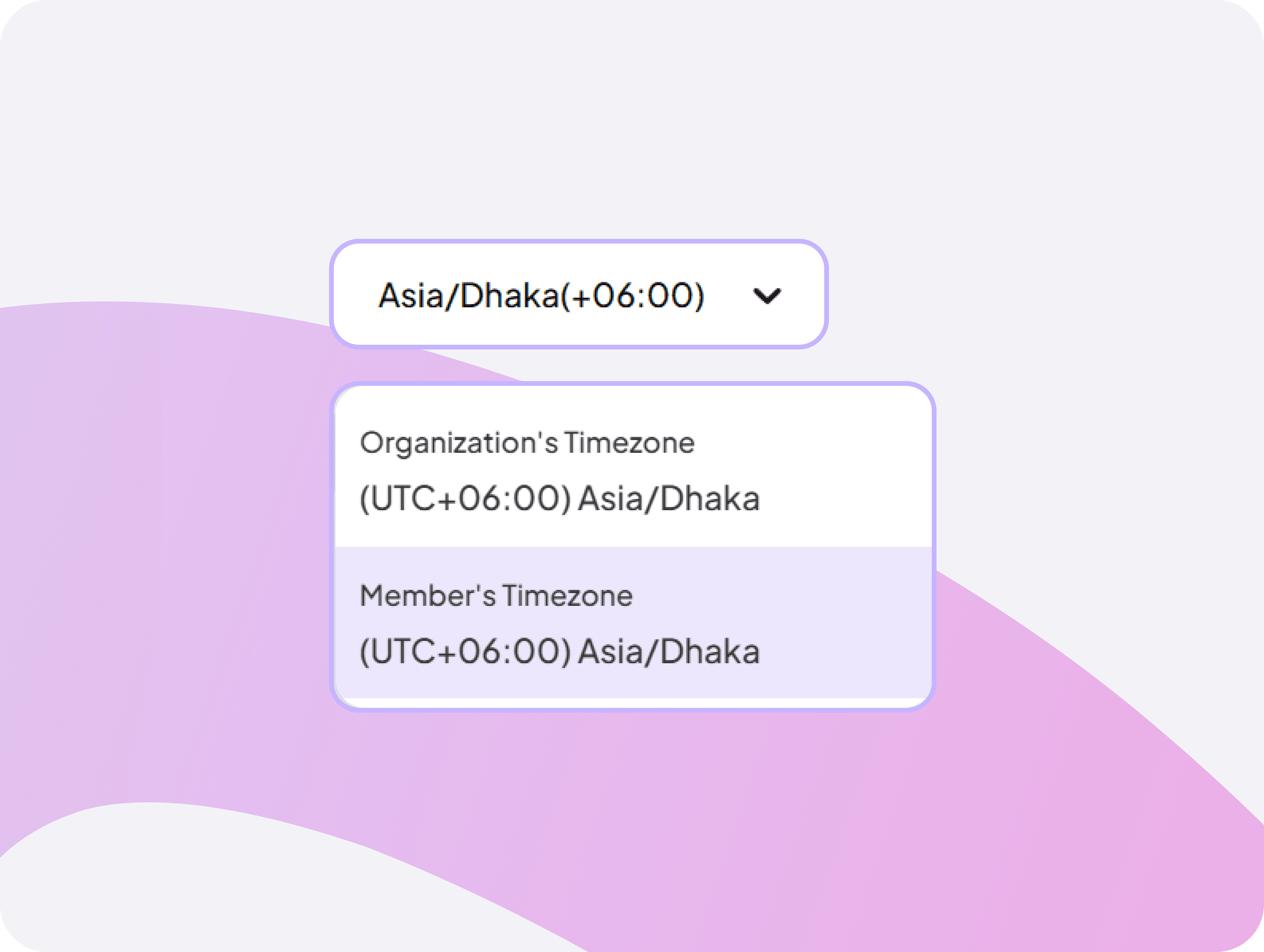
Multi-Timezone Timesheet Viewer
View timesheets in organization or member timezones automatically, ensuring accurate hour calculations for distributed teams across regions.
Display hours in correct local timezones
Ensure accurate payroll across global teams


FAQ
Frequently Asked Questions
Find answers to the questions we get asked the most about Weekly Timesheets.