Contextual
Work Notes
Add notes while tracking time. Capture important details, context, and updates as you work on projects and tasks throughout the day.
Jump to sections
work Notes
Time-Based Work Notes
Tool For Better Context

Comprehensive work Note Records
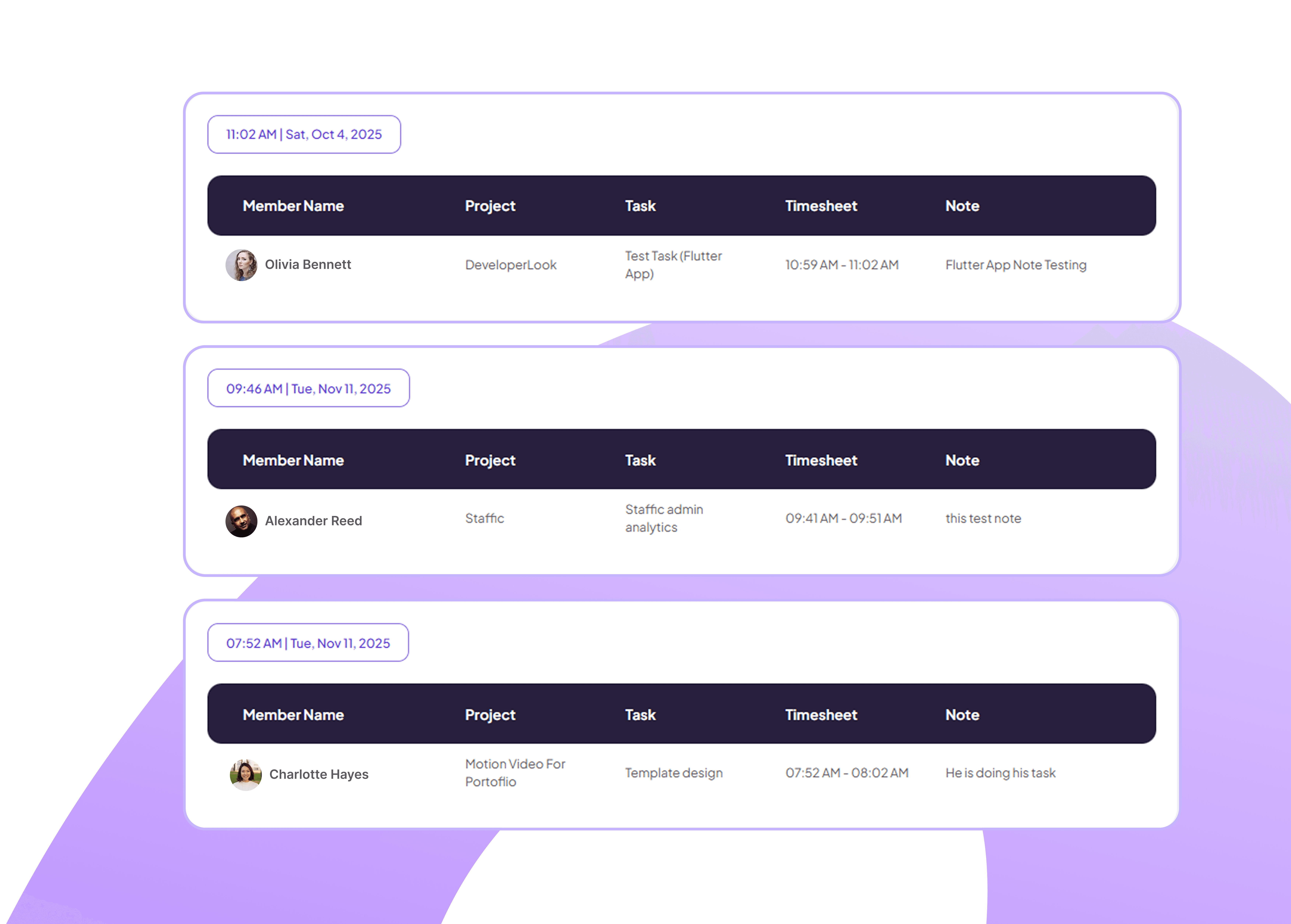
View all work notes organized by date, showing employee names, associated projects, tasks performed, timestamps, and detailed note content.
See which projects and tasks notes relate to
Review timestamps for complete work context
Spot inconsistencies work clearly
Employee-Specific Note Search
Search and filter notes by team member using a searchable dropdown to view individual contributions and work documentation.
Find notes from specific team members instantly
Filter by multiple employees simultaneously
Add detailed notes for context and clarity
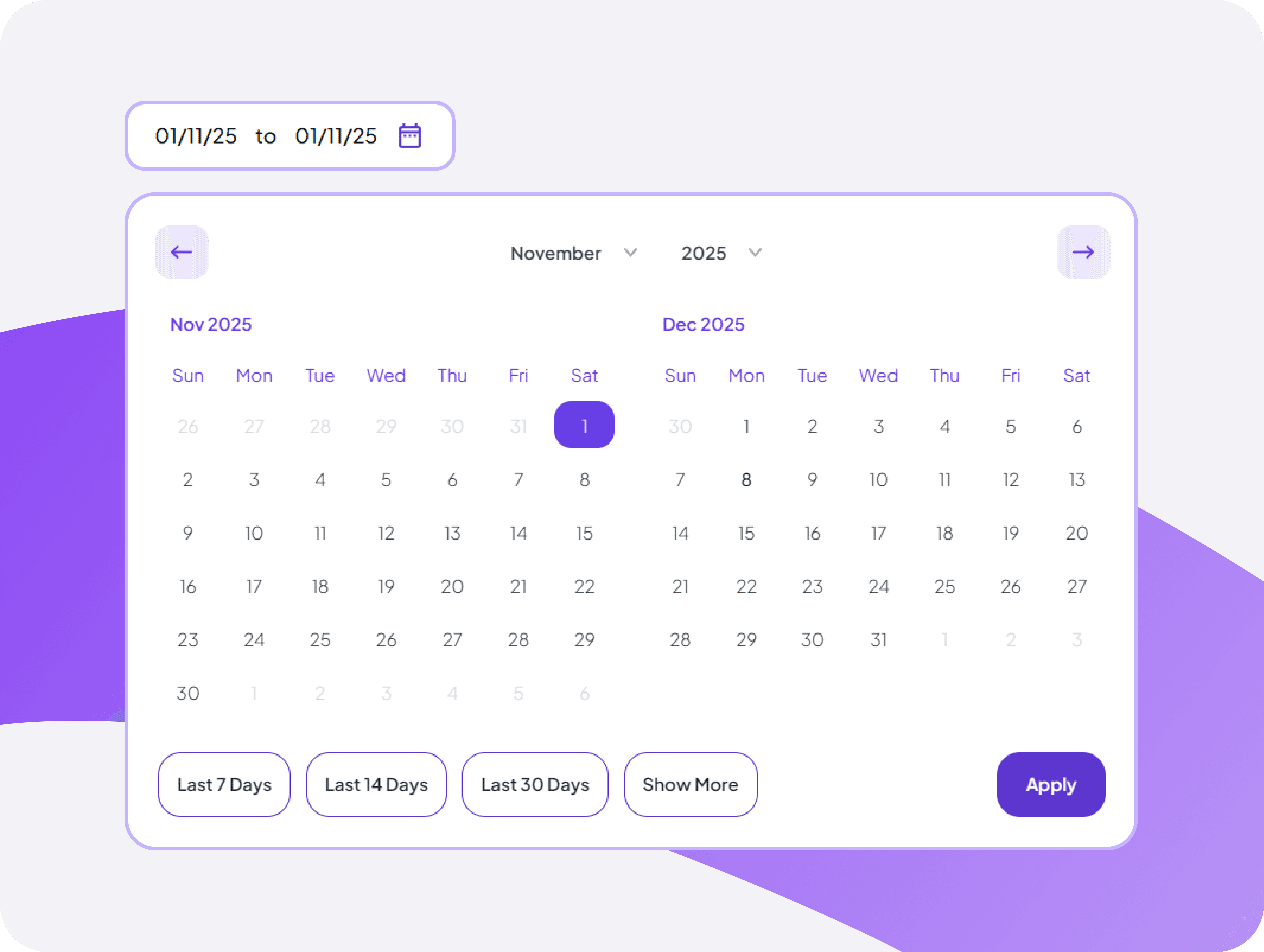
Time-Based Note Filtering Tool
Filter work notes by selecting specific date ranges to review notes from particular time periods or projects.
Select custom date ranges for note reviews
Compare work notes across different periods
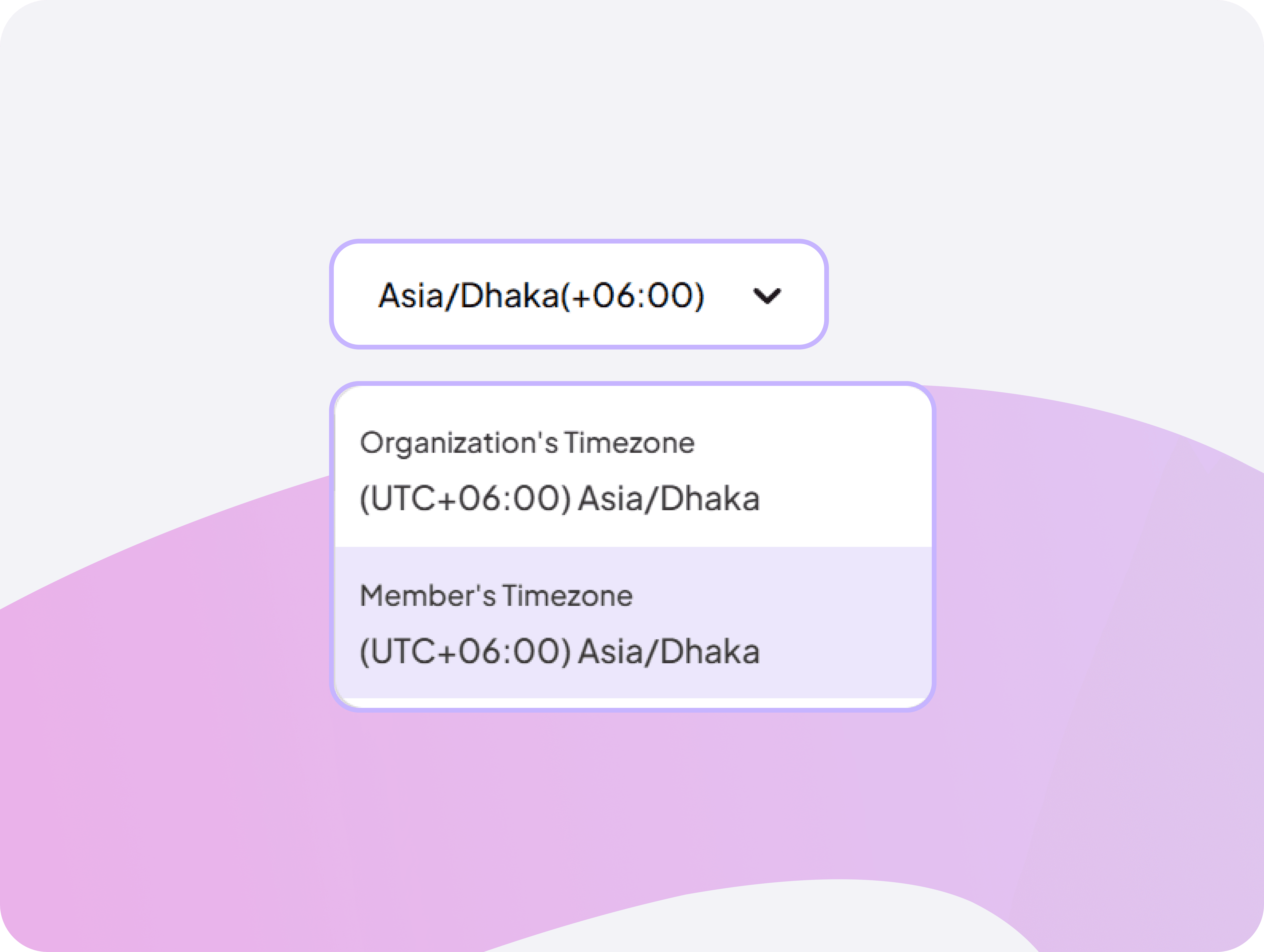
Accurate Timezone Panel
Set timezone preferences to ensure work notes display accurate timestamps for organization-wide and individual member timezones.
Ensure accurate note timestamps across global teams
Configure organization default timezone for consistency


FAQ
Frequently Asked Questions
Find answers to the questions we get asked the most about Work Notes.