Bi-Weekly
Work Overview
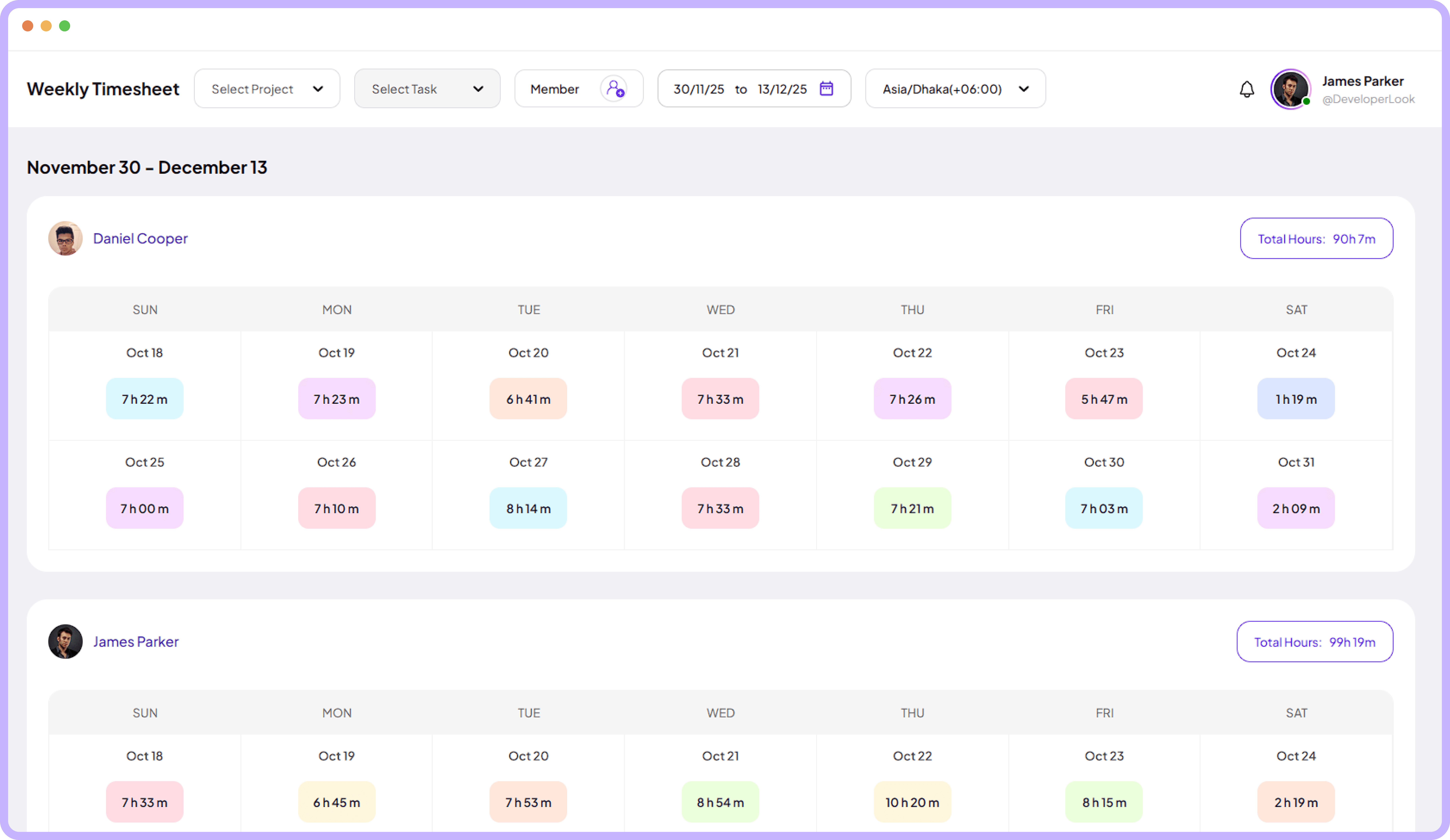
Review your team’s work logs over a two-week range to uncover deeper patterns, performance changes, and extended activity insights.
Jump to sections
Bi-Weekly timesheet
Bi-Weekly Timesheet
Review Tools



Expanded Bi-Weekly Time Table
View 14 days of time entries side by side for broader evaluation.
Review long activity periods
Compare two-week work hours
Spot inconsistencies work clearly
Flexible Member-Focused Filtering Tool
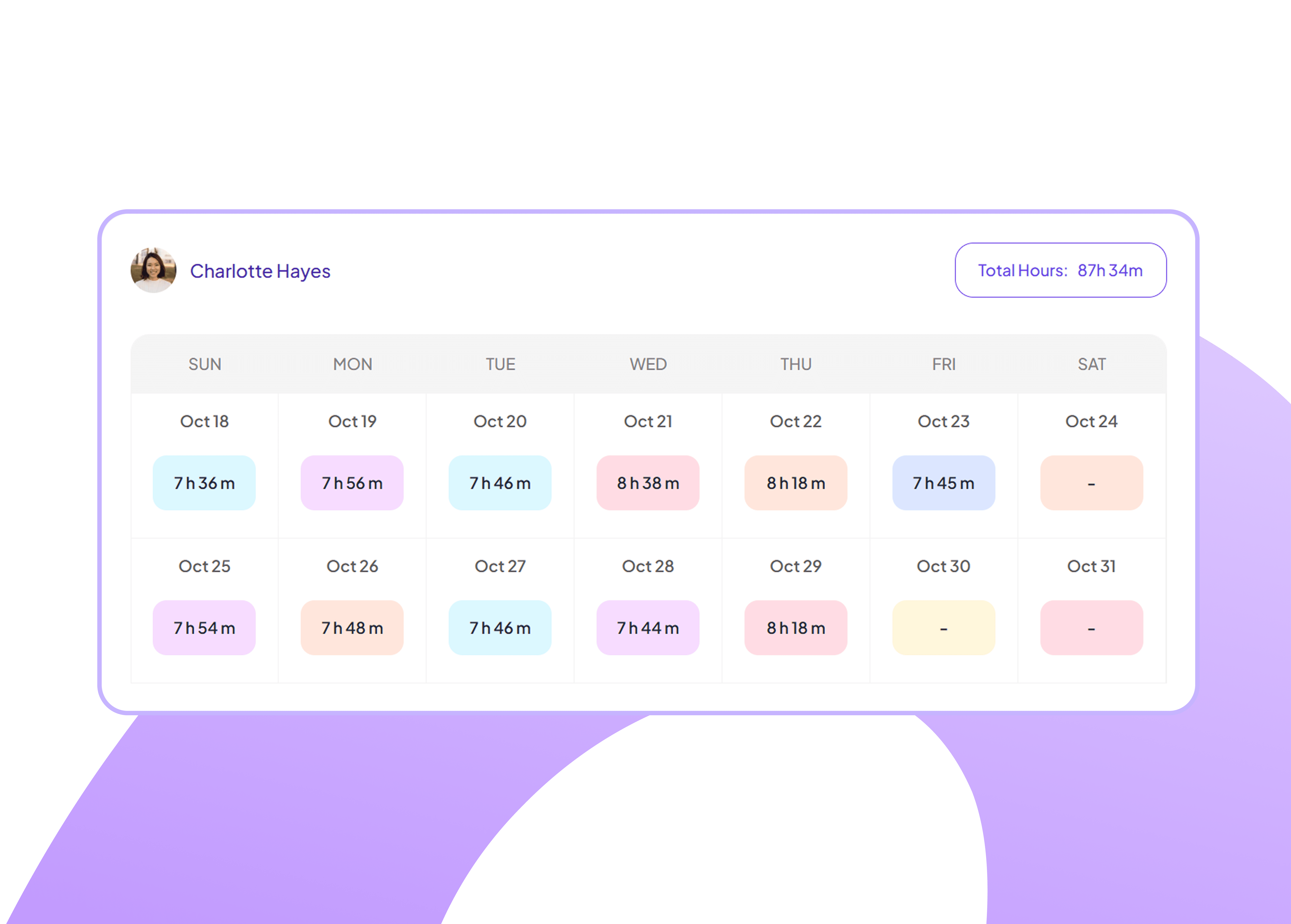
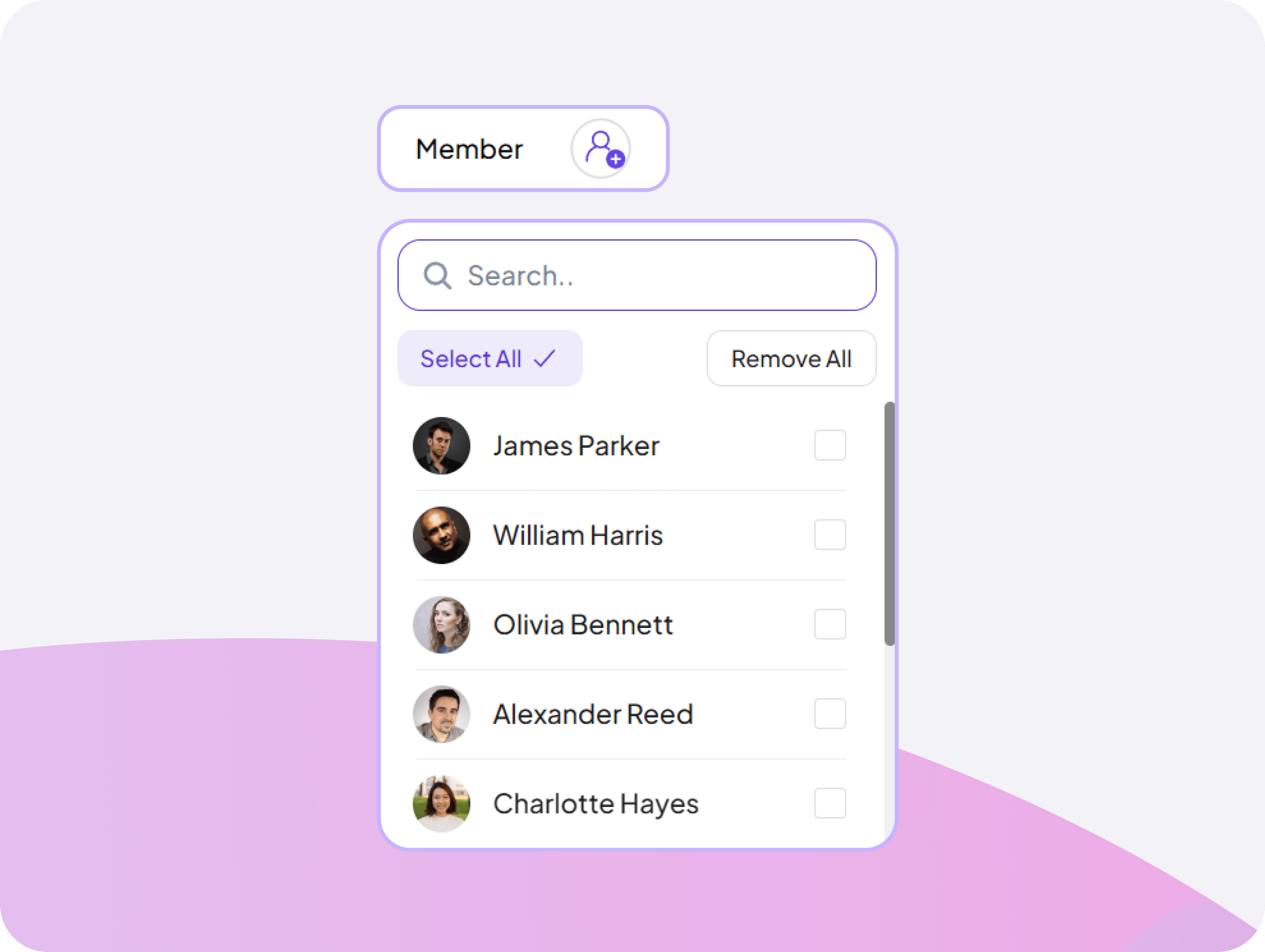
Select any team member to view Bi-Weekly Time Table for clearer individual performance insights.
Compare performance individually
Explore personal work timelines
Smart Project-Based Filtering System
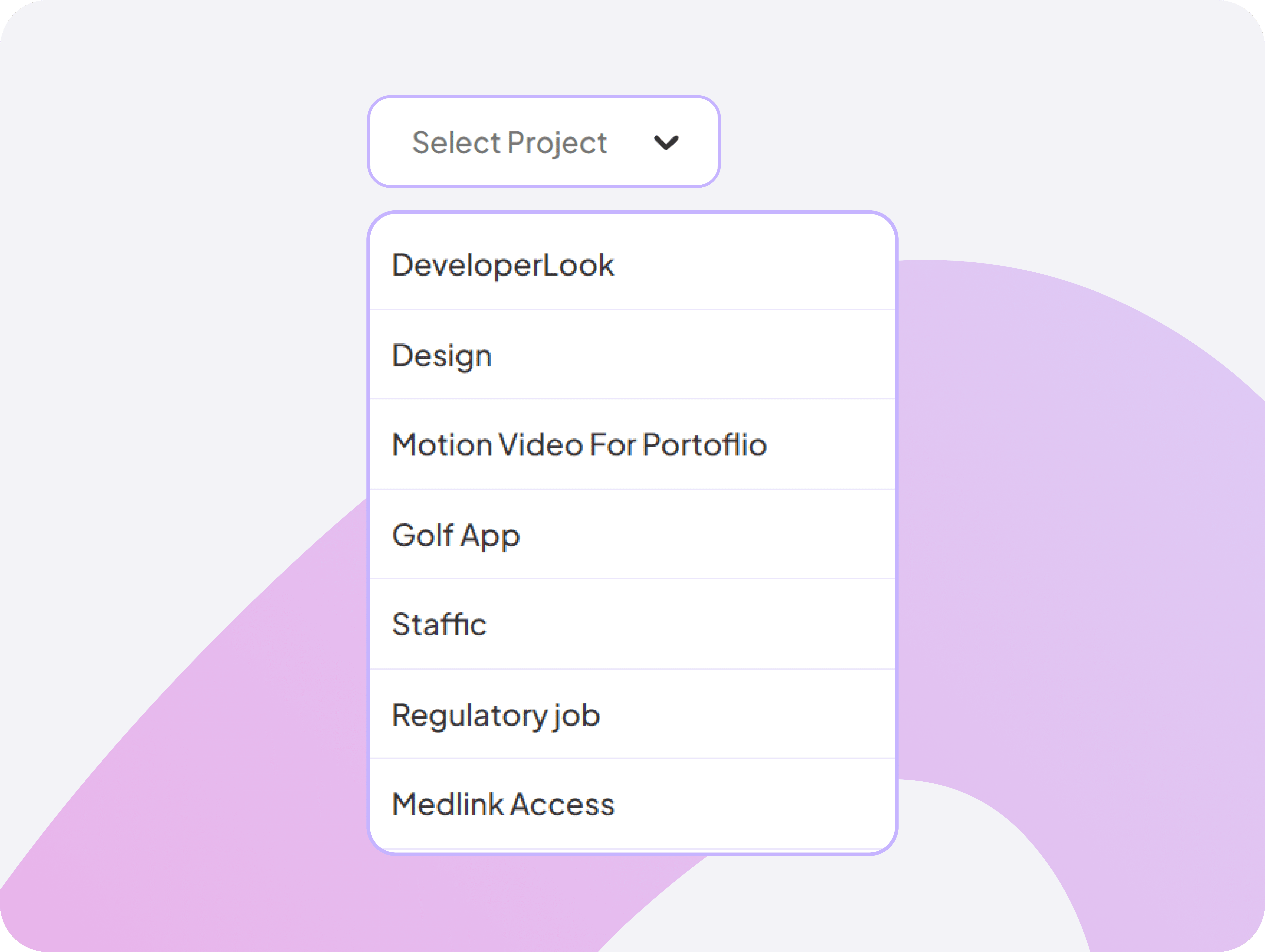
Choose a specific project to instantly filter how much time you spent on that project, making analysis faster and more relevant.
Filter time spent by project
View project hours across two-week cycles
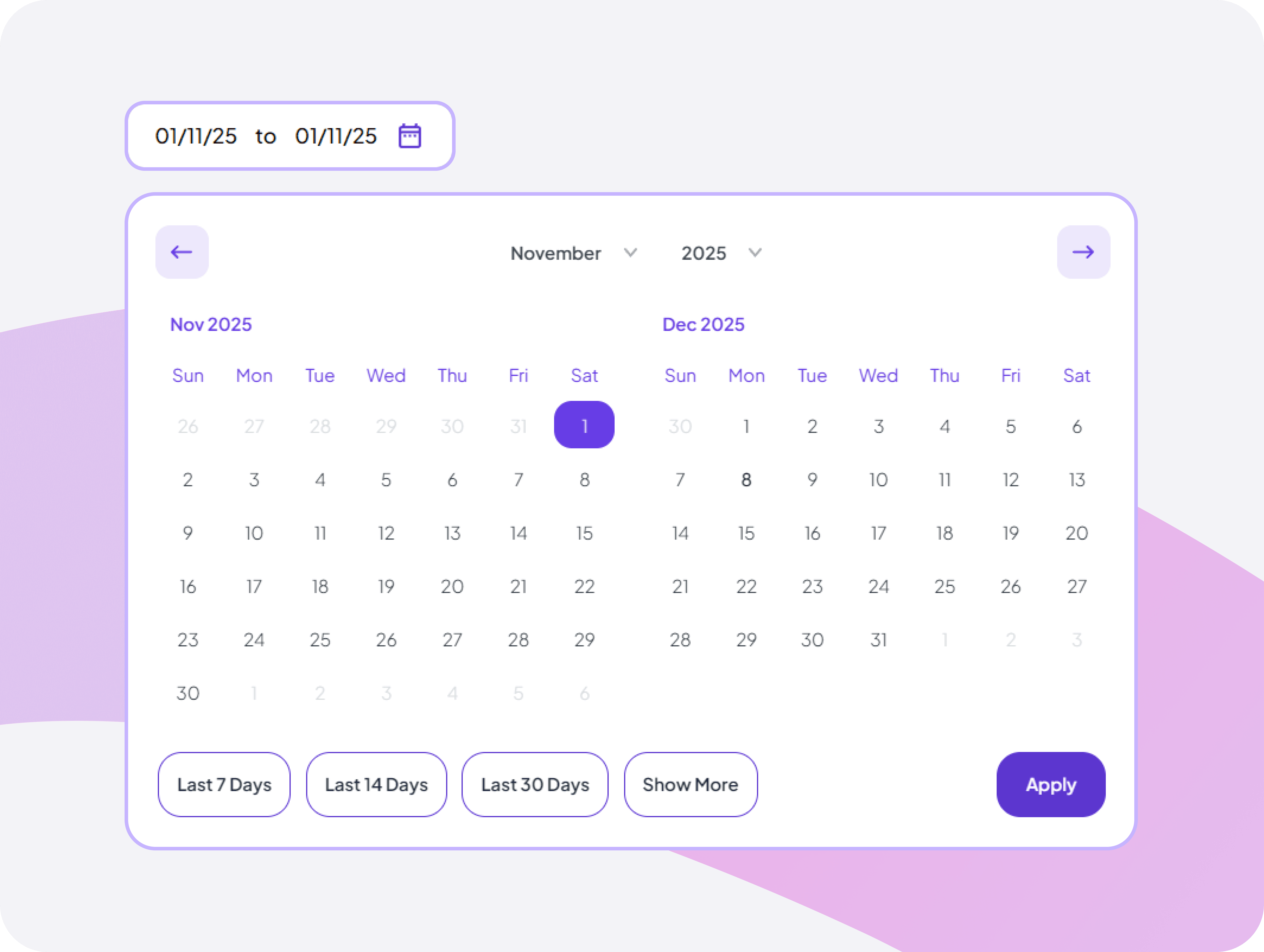
Monthly Calendar Time View
Navigate between bi-weekly pay periods with clear date range display, allowing review of current and historical two-week timesheet cycles.
Jump between bi-weekly pay periods easily
See total hours logged for any day instantly
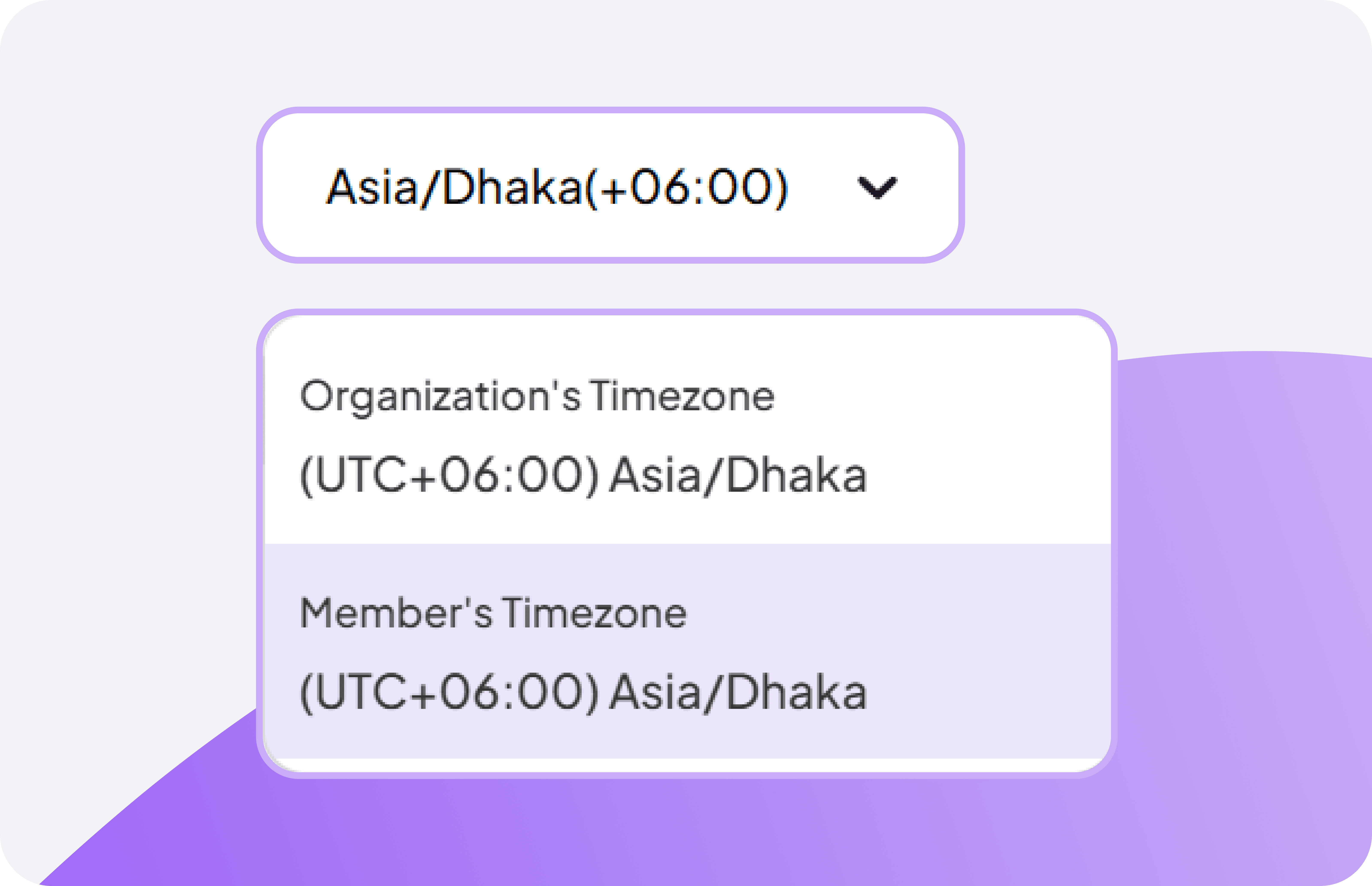
Multi-Timezone Timesheet Viewer
View timesheets in organization or member timezones automatically, ensuring accurate hour calculations for distributed teams across regions.
Display hours in correct local timezones
Ensure accurate payroll across global teams
Explore More
Features


FAQ
Frequently Asked Questions
Find answers to the questions we get asked the most about bi-weekly timesheets.